Crashes
The Crashes tab of the device timeline lists the application crashes, service crashes and kernel crashes (blue screens) on the device over the window. The agent analyzes each crash dump on the device and reports what it found: the exception or stop code, the module named, and the versions involved. The dump itself stays on the device.
Crash data needs SparkLogs Agent 1.12.0 or later.
Crash history at T
The card at the top counts crashes in the 1, 5 and 10 days before T, in total and then for each program and each kind of kernel crash. It shows the last crash, the module named, and any condition open on that program, such as recurring kernel crashes. Its subtitle is how long the device has run without a crash, counted in awake-time.
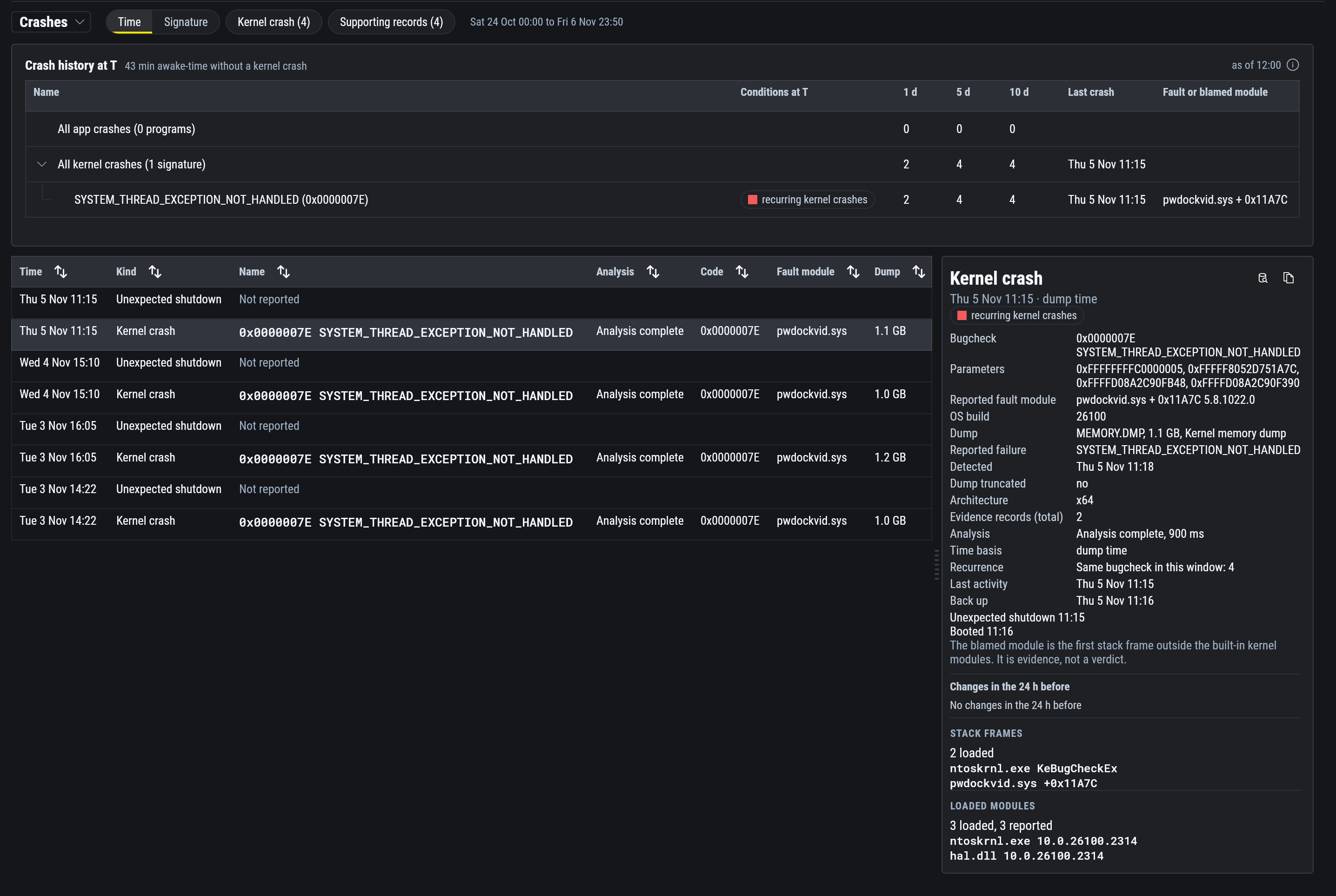
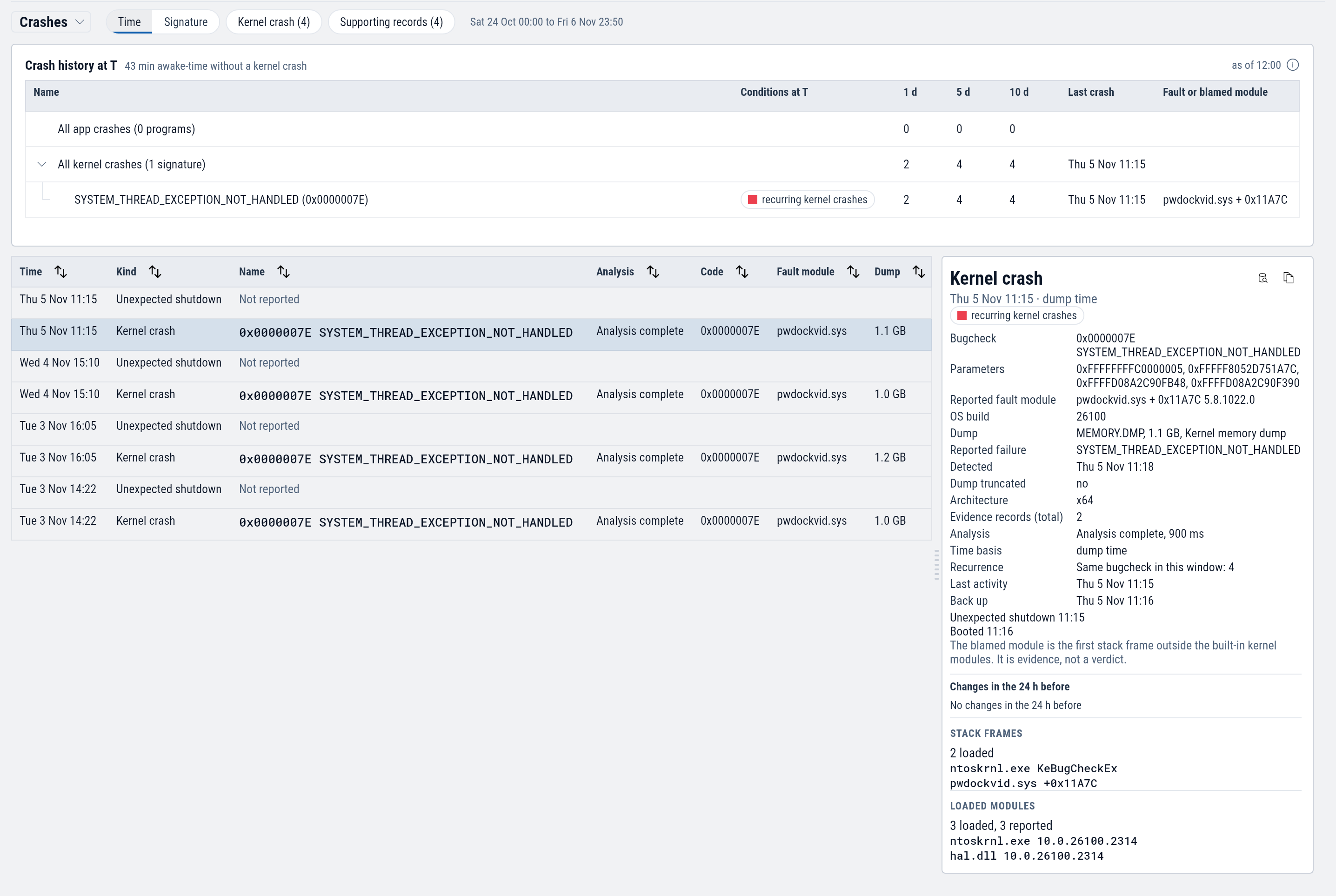
Select a row to list only that program's or that stop code's crashes.
The list
One row per crash, newest first. Select a row to move T to the crash and open its details.
| Column | Shows |
|---|---|
| Kind | Kernel crash, Process crash, Service crashed, or Unexpected shutdown. |
| Name | The program, the service, or the stop code and its name. |
| Analysis | Whether the agent could analyze the dump. Analysis complete means the analysis finished. It does not mean the cause is known. |
| Code | The exception code or the stop code. |
| Fault module | The module the crash names. |
| Version | The crashing program's version. |
| Dump | The dump's size, or None. |
| Control | Does |
|---|---|
| Time or Signature | Lists crashes by time, or grouped so repeats of the same crash sit together. |
| The chips for each kind | Show or hide that kind of record. |
| Crashes or 10 days before T | Lists the window's crashes, or the 10 days that end at T. |
A crash with no dump shows only what Windows logged about it. A kernel crash is listed with the unexpected shutdown it caused. Supporting records are related Windows events that are not crashes themselves.
What a crash shows
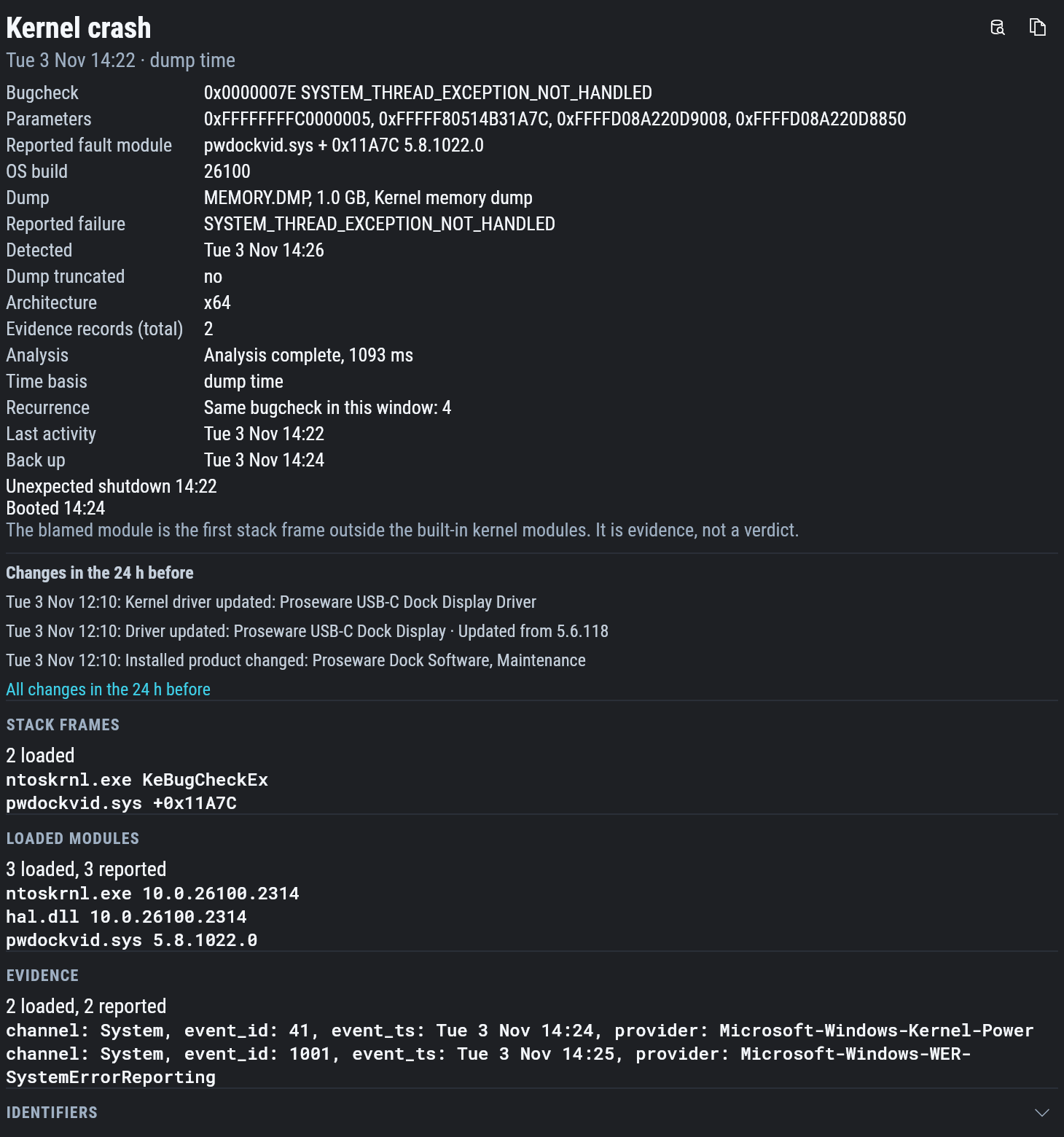
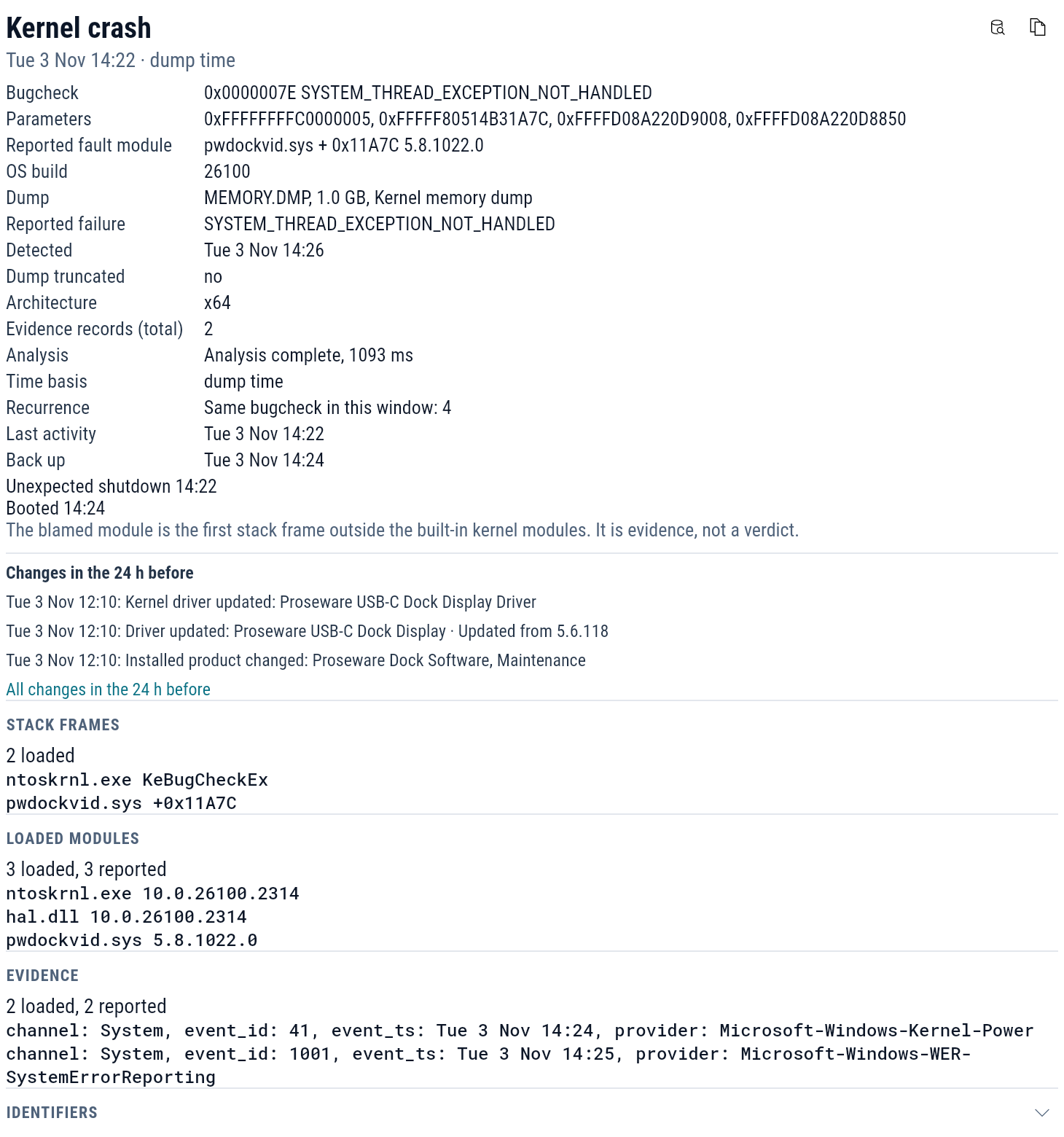
For an application crash: the process, its path and version, the exception, the faulting module with its version and offset, and for .NET programs the managed exception.
For a kernel crash: the bugcheck and its parameters, the module named with its version, the Windows build, and the dump's type and size. Last activity is when the device was last seen running, and Back up is when it booted again.
For both:
- Recurrence counts the same crash in the window.
- Changes in the 24 h before lists the configuration changes recorded before the crash. All changes in the 24 h before opens them on the Changes tab.
- Stack frames, Loaded modules and Unloaded modules come from the dump, when the agent could read them.
- Evidence lists the Windows events that recorded the crash.
- Related logs opens the crash's events in Explore.
The module a crash names
A crash can name two modules. The reported fault module is the one Windows names in its crash record. The blamed module is the first module on the crashing stack outside Windows itself, where a debugger looks first.
Treat either one as a lead: the module where a crash surfaced is not always the one at fault. Check the module's version against the changes before the crash, and whether other devices with the same version crash the same way.
Unexpected shutdowns
A device that stops without shutting down leaves an Unexpected shutdown stretch on the timeline. A crash, a hang, a held power button and a power cut look the same from the outside. When the agent finds a kernel crash inside the stretch, the stretch is named for it.
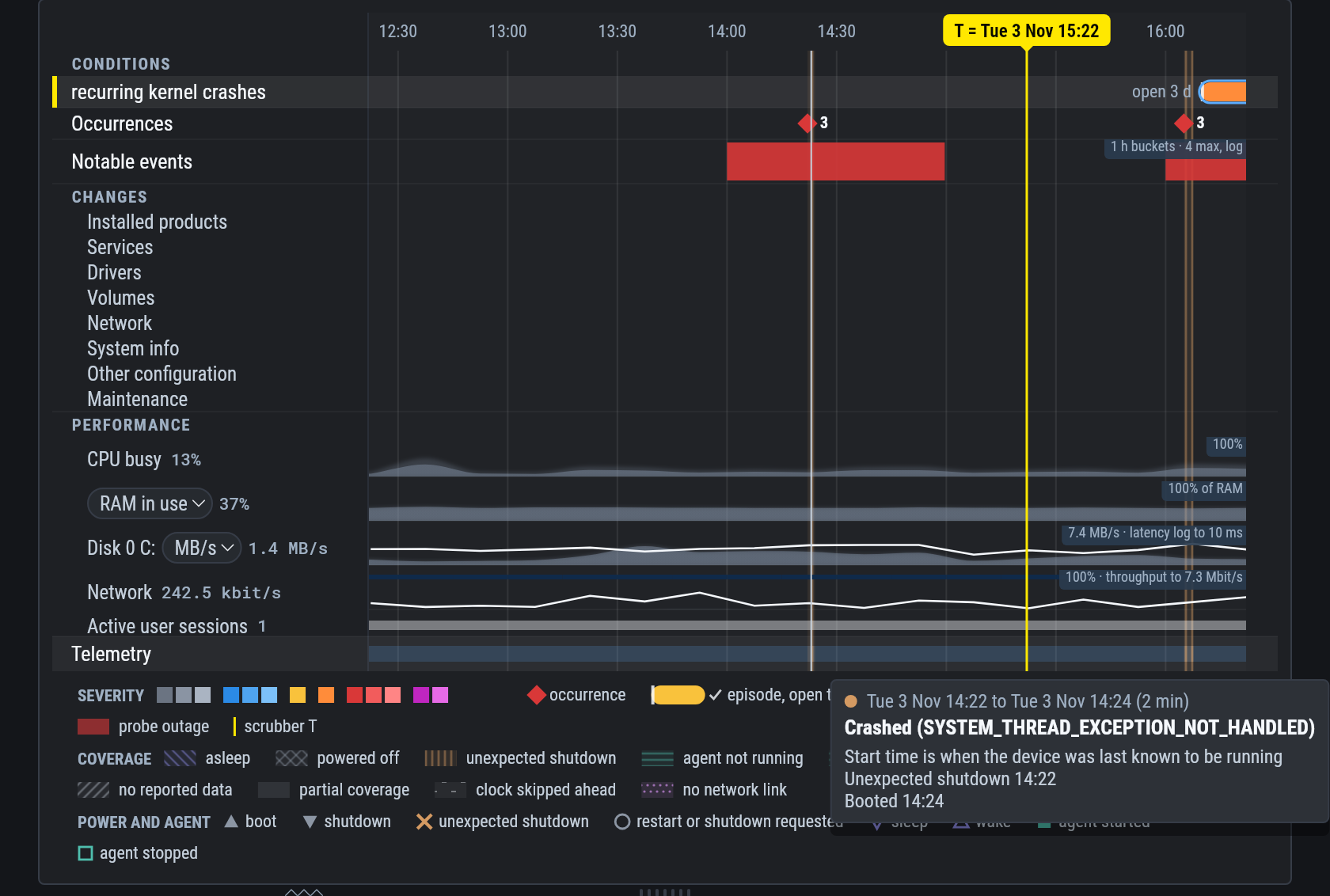
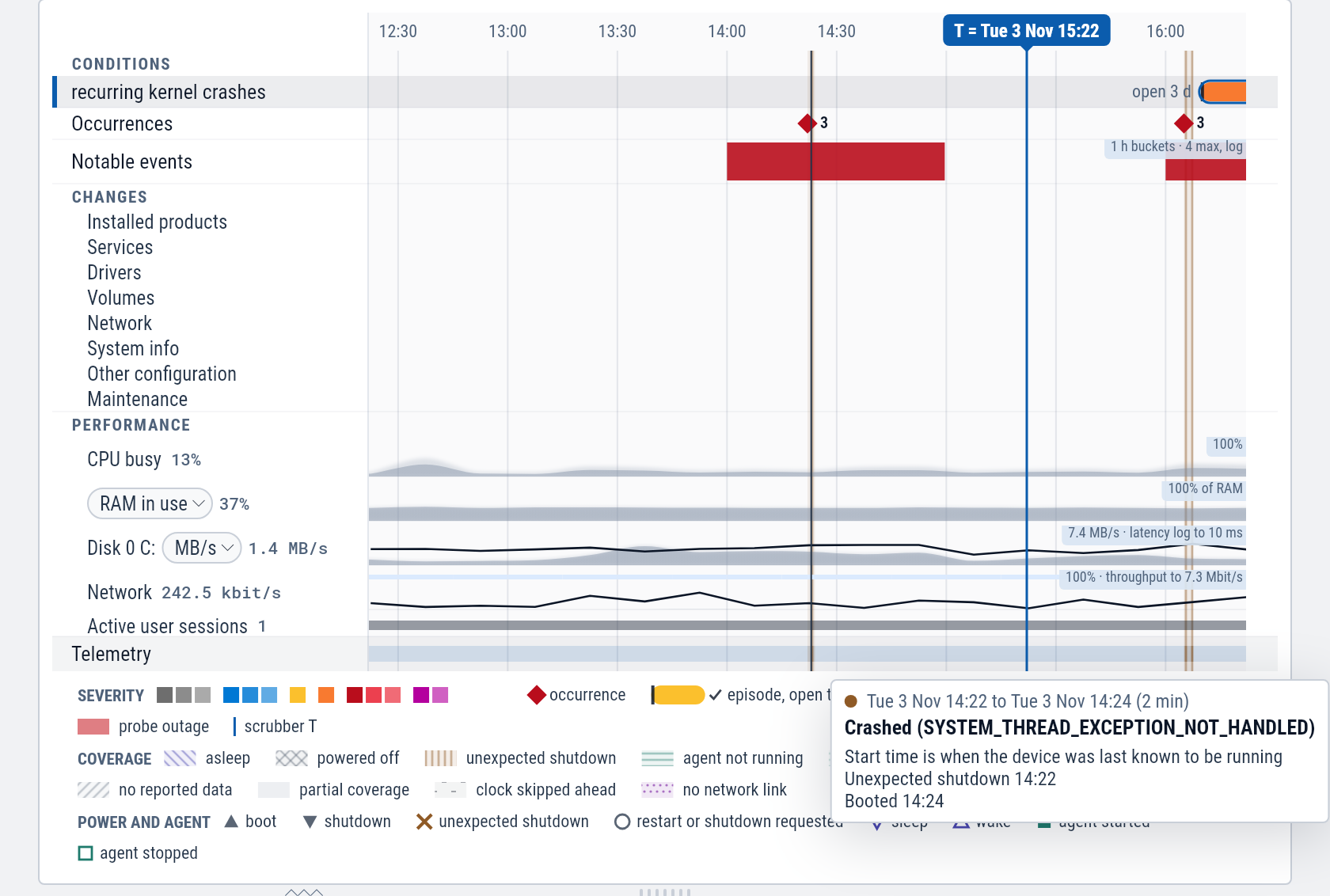
The stretch starts when the device was last known to be running and ends when it booted again. Select it for those times and the changes before it.
Example: blue screens after a dock driver update
Three laptops at Summit Accounting keep restarting on their own.
Open lt-021.
Findings shows recurring kernel crashes and four kernel crashes in three days.
Select the first one, on Tuesday at 14:22.
The bugcheck is 0x0000007E SYSTEM_THREAD_EXCEPTION_NOT_HANDLED, and the reported fault module is pwdockvid.sys version 5.8.1022.0.
Recurrence reads "Same bugcheck in this window: 4".
Changes in the 24 h before lists a driver update at 12:10 the same day: "Driver updated: Proseware USB-C Dock Display", updated from 5.6.118.
The first crash came two hours after the dock's display driver was updated, and all four name that driver.
Ask your AI which other devices have pwdockvid.sys at 5.8.1022.0 and which of them have crashed.
See Fleet-wide questions.