Changes
The Changes tab of the device timeline lists the configuration changes the agent recorded on the device over the window: what changed, when, and from what to what.
The agent records changes to installed software, drivers, services, volumes, network settings, system settings, security settings and network shares. Health Topics lists the changes each topic records.
The list
Each row is one change, with its time, a title such as "Backup Agent CDP Filter driver updated", and the item it happened to. Select a row to move T to the change and open its details.
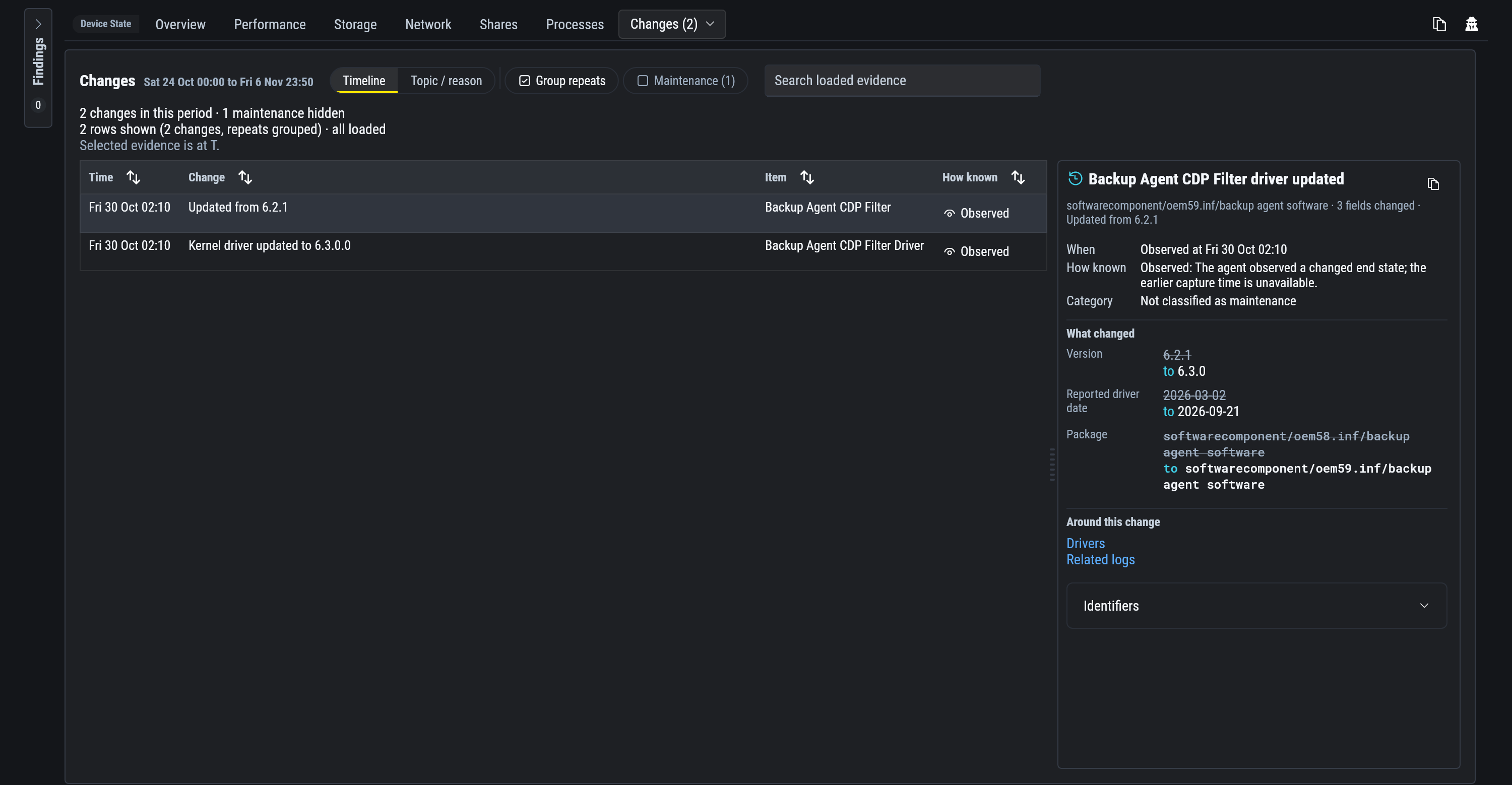
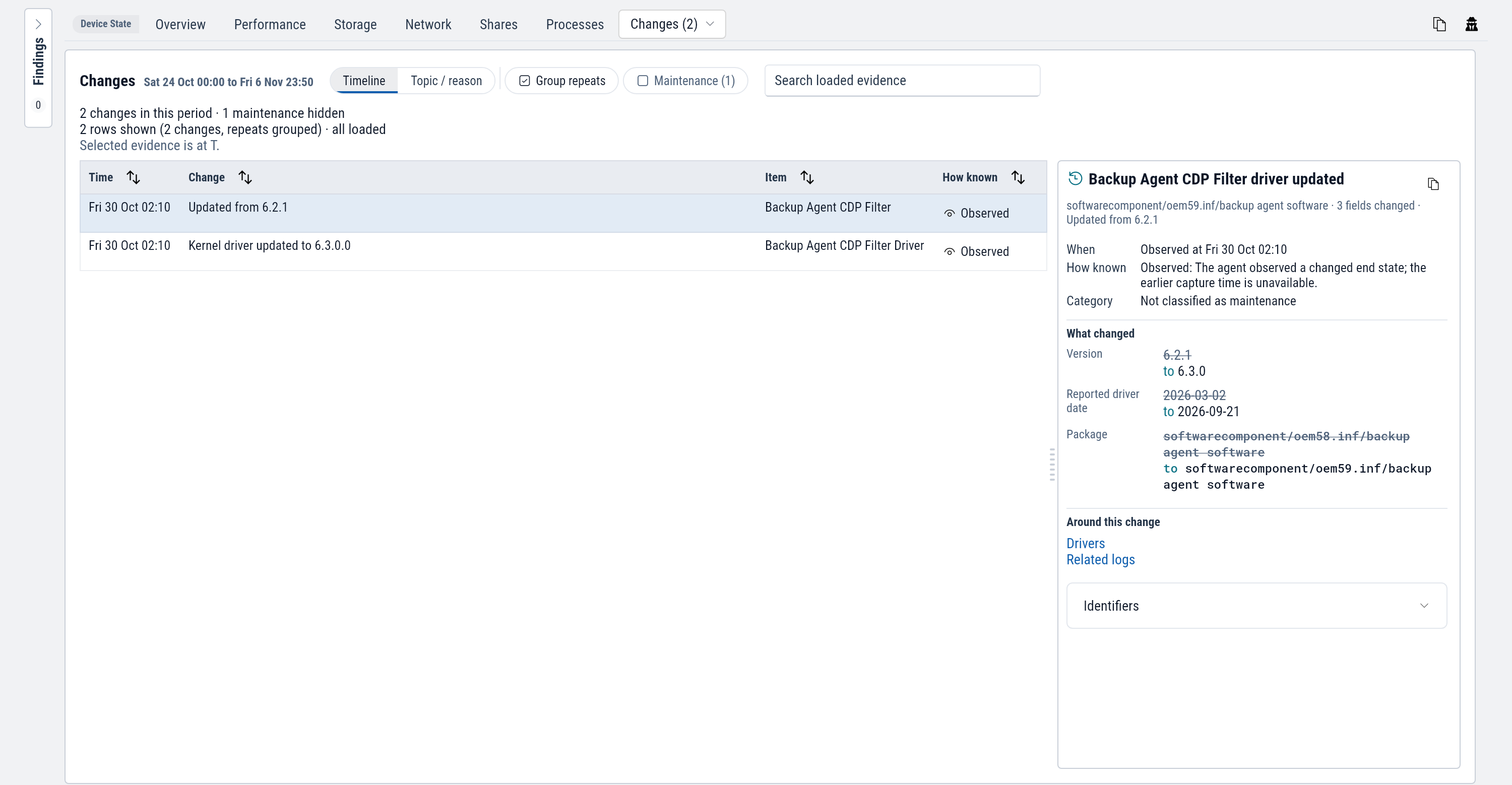
| Control | Does |
|---|---|
| Timeline or Topic / reason | Lists changes by time, or grouped by what changed. |
| Group repeats | Shows a change that repeated as one row with a count. It is on by default. Turn it off to list each one. |
| Maintenance | Shows routine maintenance, which is hidden by default. |
| Search | Matches names, old and new values, and the account that made the change. |
How known says where a change came from:
| How known | Means |
|---|---|
| Recorded | An event on the device recorded the change when it happened, often with the account that made it. |
| Observed | The agent found the item different from its last report. The change happened between the two reports, and the time shown is when the agent saw it. |
Routine maintenance
Routine maintenance such as updates stays hidden until you turn on the Maintenance chip. The line above the list counts what is hidden. On the timeline, maintenance is a thin bar on its own row.
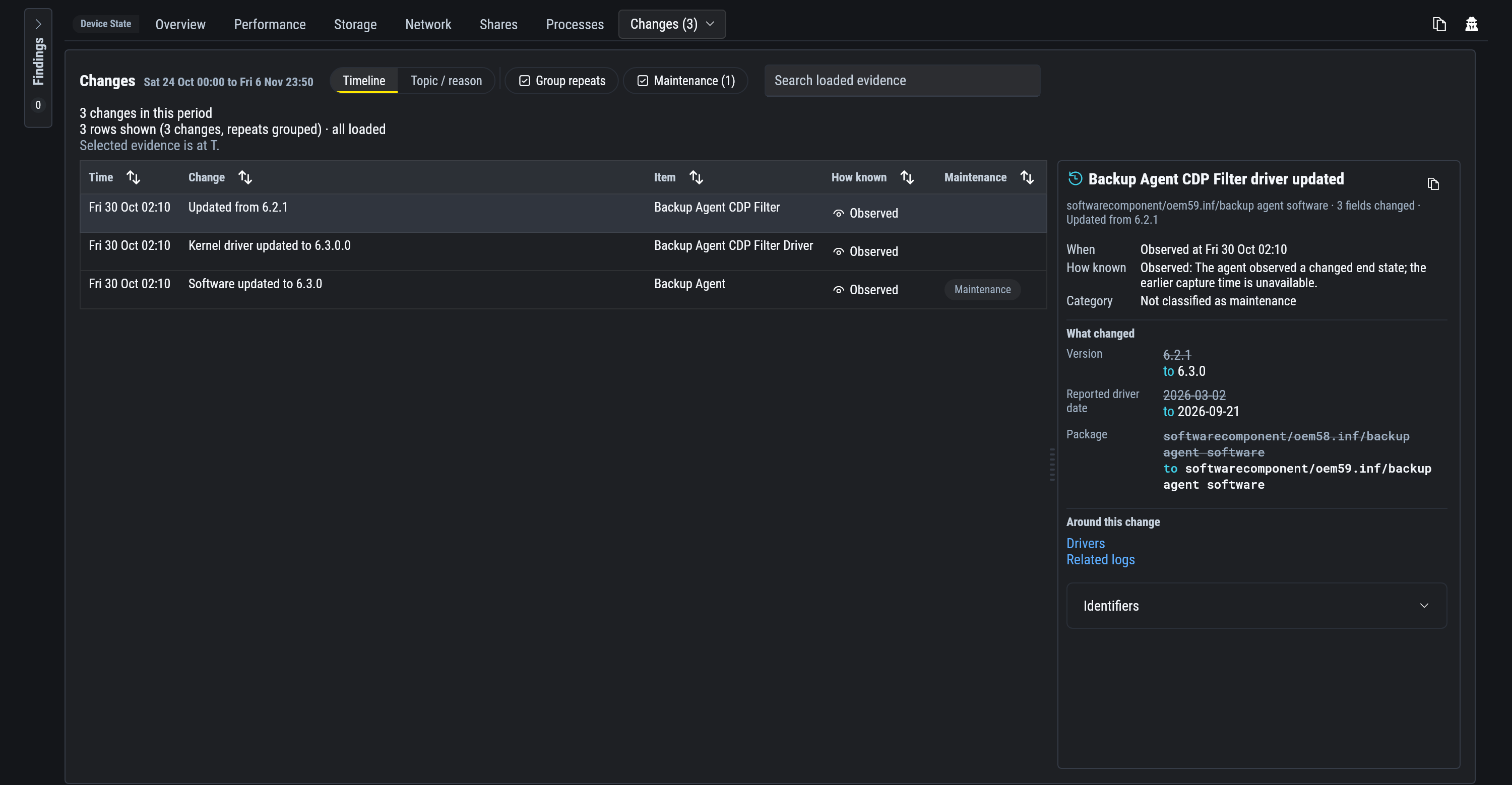
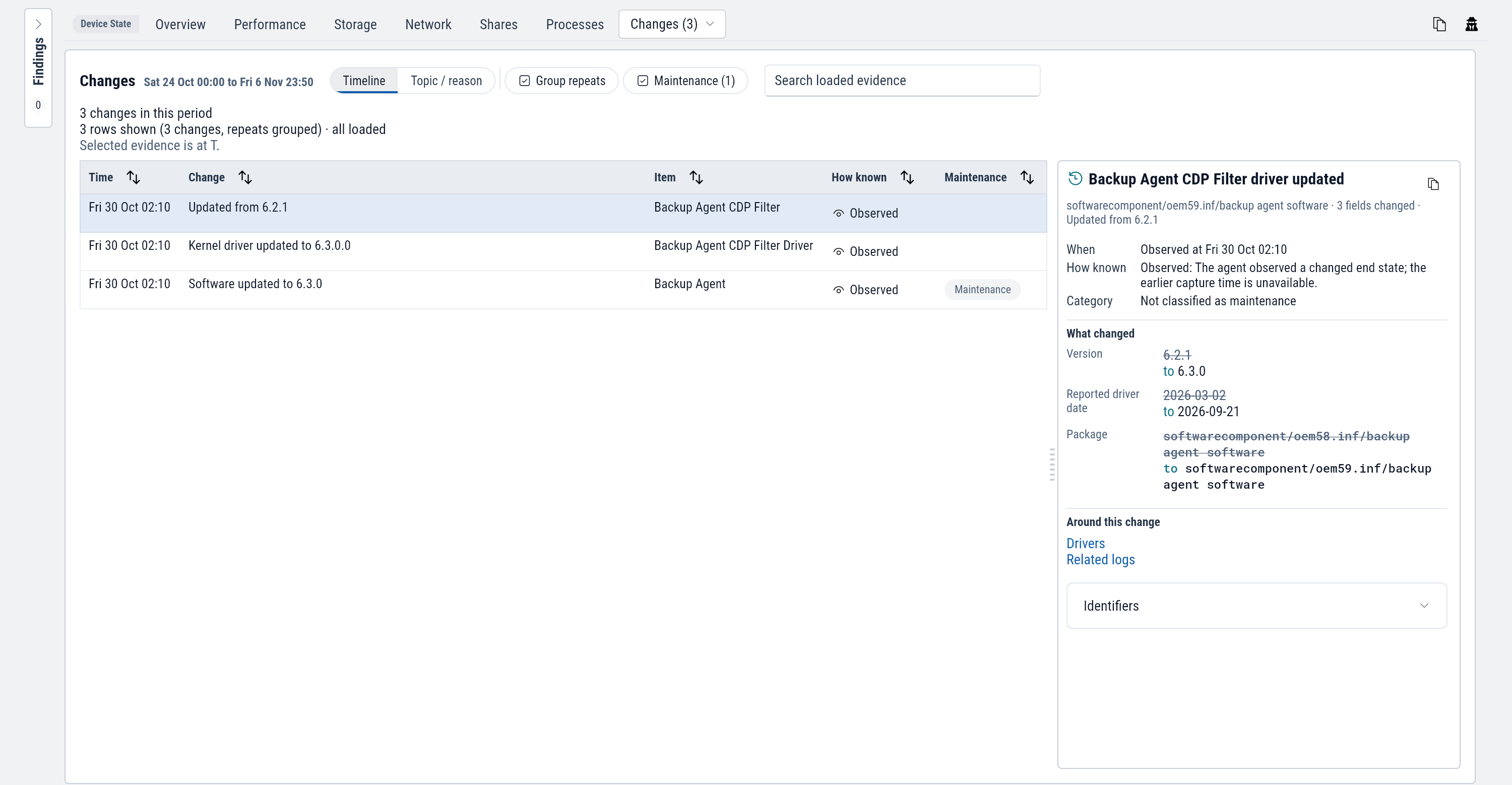
What a change shows
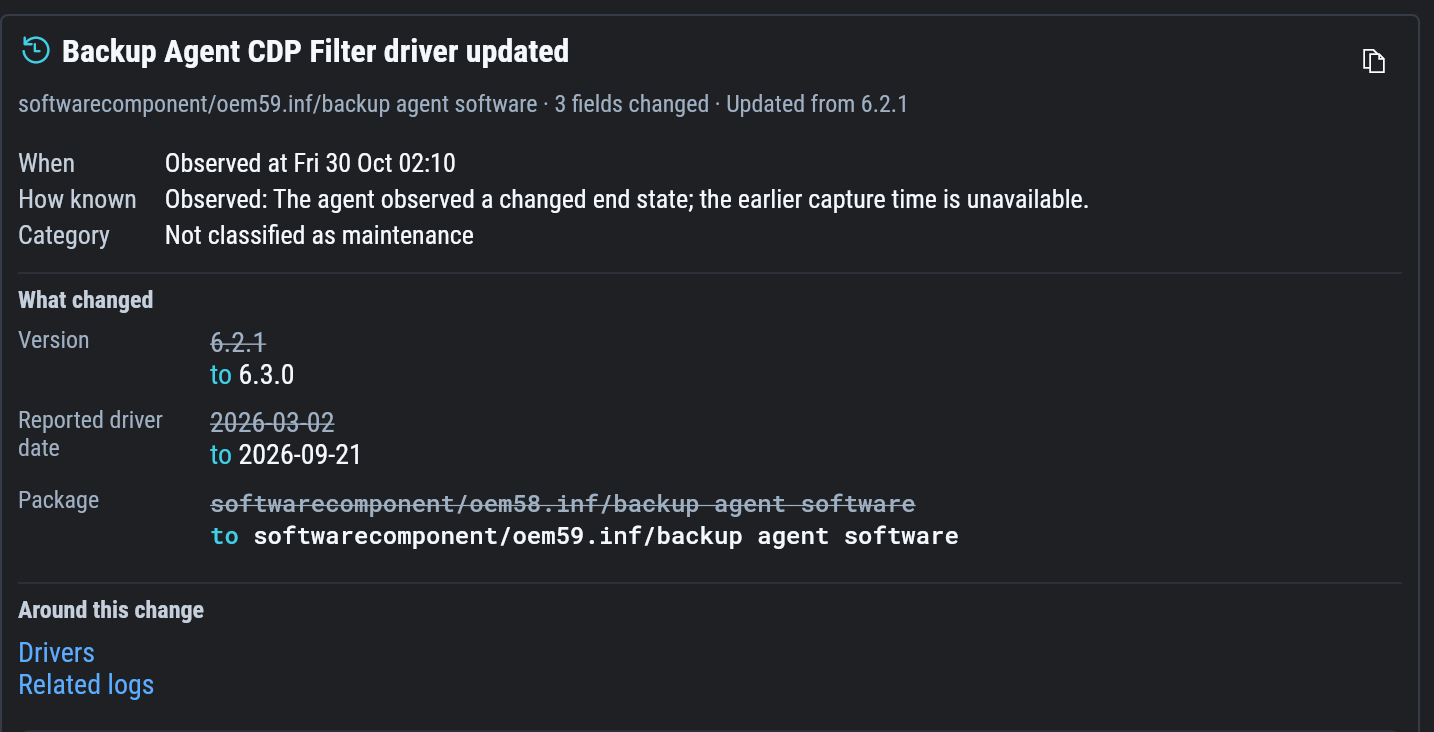
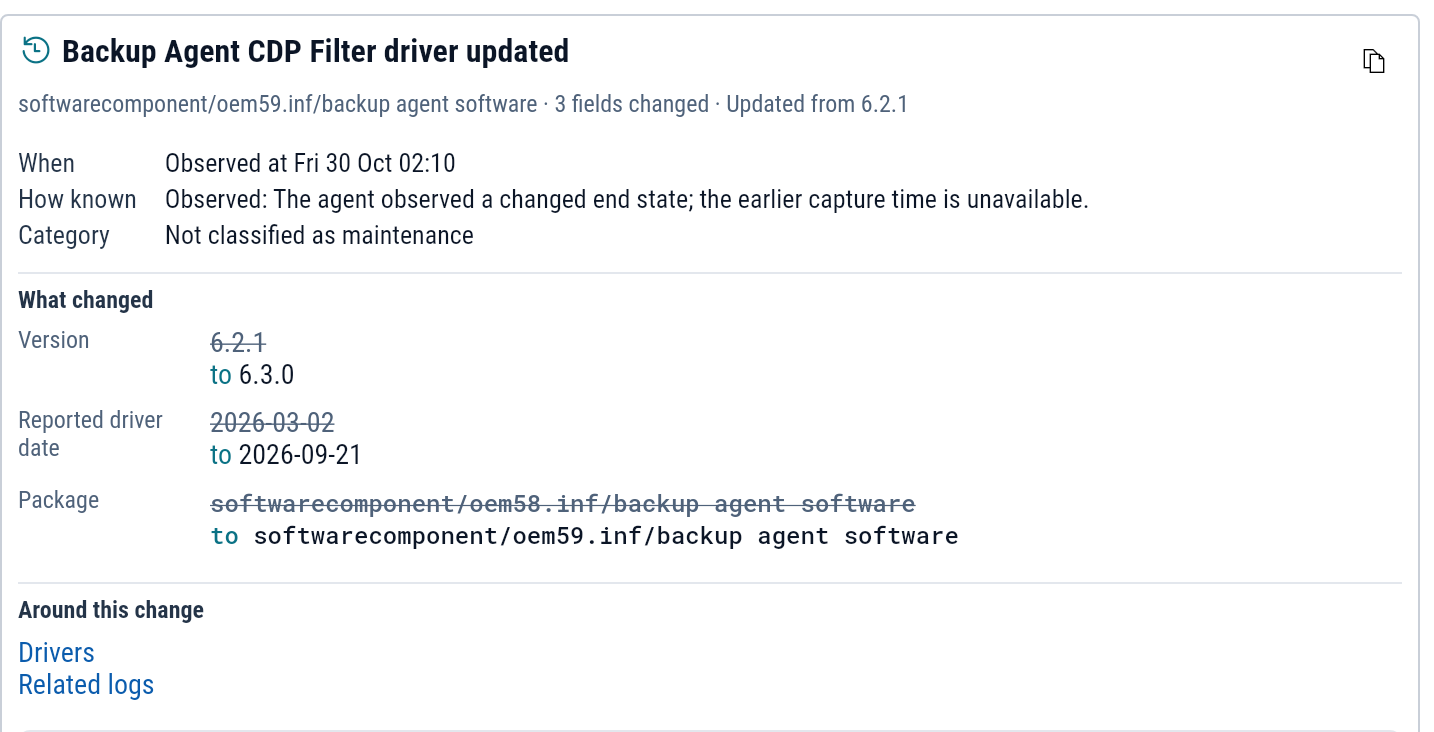
- When and How known. A recorded change also shows Changed by, the account or process that made it.
- What changed: each field with its old value struck through and its new value after it. A new item shows only its new values, and a removed item only its old ones.
- Evidence: for a recorded change, the event that recorded it.
- Around this change: the item on its own tab, such as Drivers or Services, the related logs in Explore, and any condition that began in the 24 hours after.
One item's history
A marker on a service, driver, program or setting shows that it changed recently. Select the marker to list that one item's changes over the window, with each condition that opened or cleared on it.
From a problem to the change before it
A condition and a crash each list the changes in the 24 hours before they began. Findings shows the count on each finding. Follow All changes in the 24 h before from either one to land on this tab at that time.
Example: a backup agent update at Lakeside Clinic
Lakeside Clinic's front desk Wi-Fi slows every afternoon, at the time imaging-03 runs its backup.
Open imaging-03 and select the Changes tab.
The list includes "Backup Agent CDP Filter driver updated", observed on the day the slowdowns began.
Select it.
What changed shows the version going from 6.2.1 to 6.3.0, with the driver date and package that came with it.
Copy the investigation prompt from that change and ask the AI what else the update changed.