Inventory Tabs
Five tabs of the device timeline list what was on the device at T: Services, Software, Drivers, Devices and Shares. Each is the device's own inventory as last reported at or before T.
What the five tabs share
- Search matches any text in a row.
- Changed shows rows with a recorded change since the start of the window. Updated shows rows whose values differ from an earlier report with no change recorded. New shows rows that were installed, created or loaded in the window.
- With conditions shows rows with a condition open at T. Those rows sort first.
- A marker in a cell shows that the value changed recently. Hover it for the previous value, and select it to open the change.
- The count of changes at the top right opens them on the Changes tab.
- Select a row for its details. History lists that item's changes over the window.
A selected item that did not exist at T says so, with when it was last reported.
Services
Each Windows service with its state, start type, account and command line.
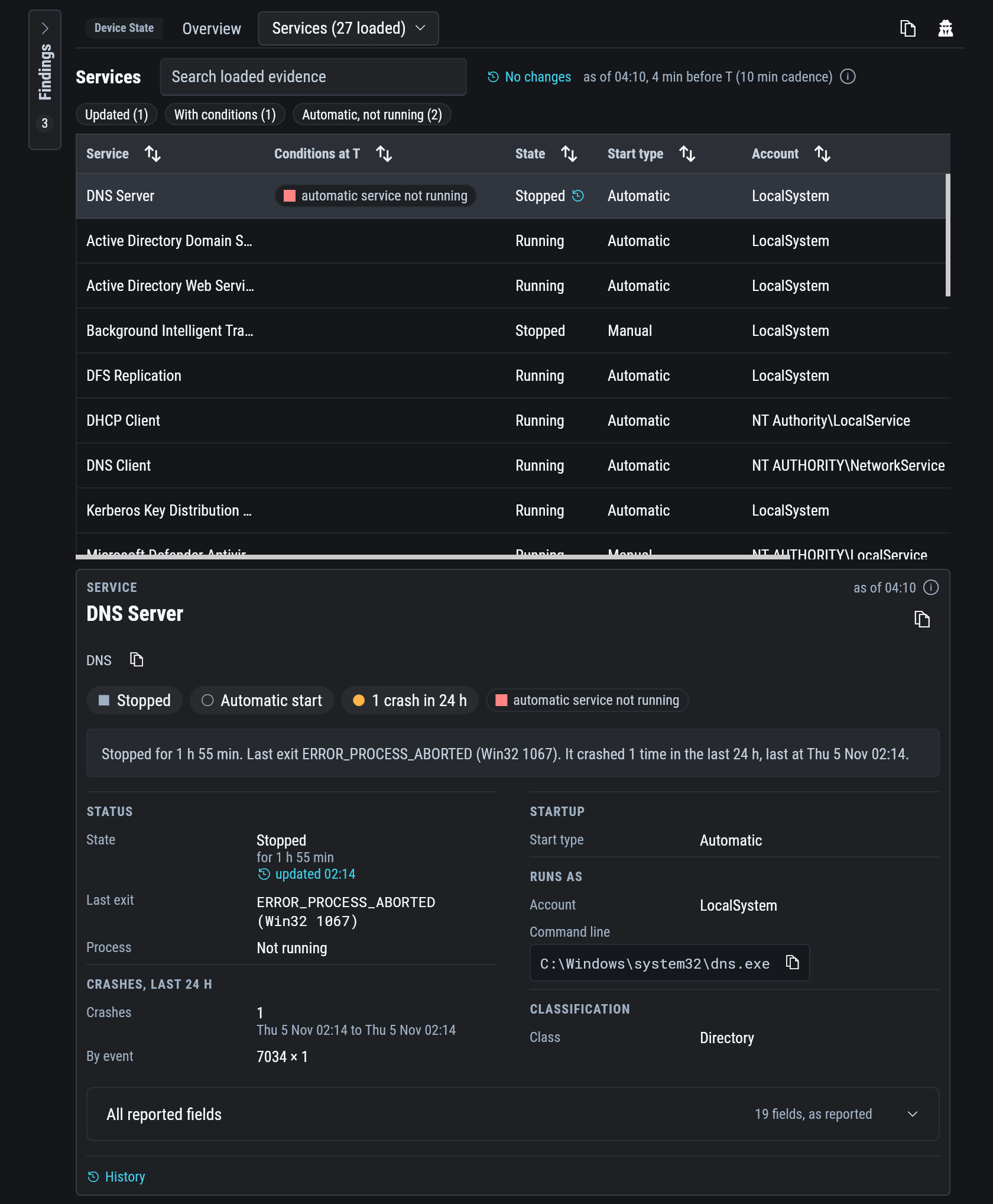
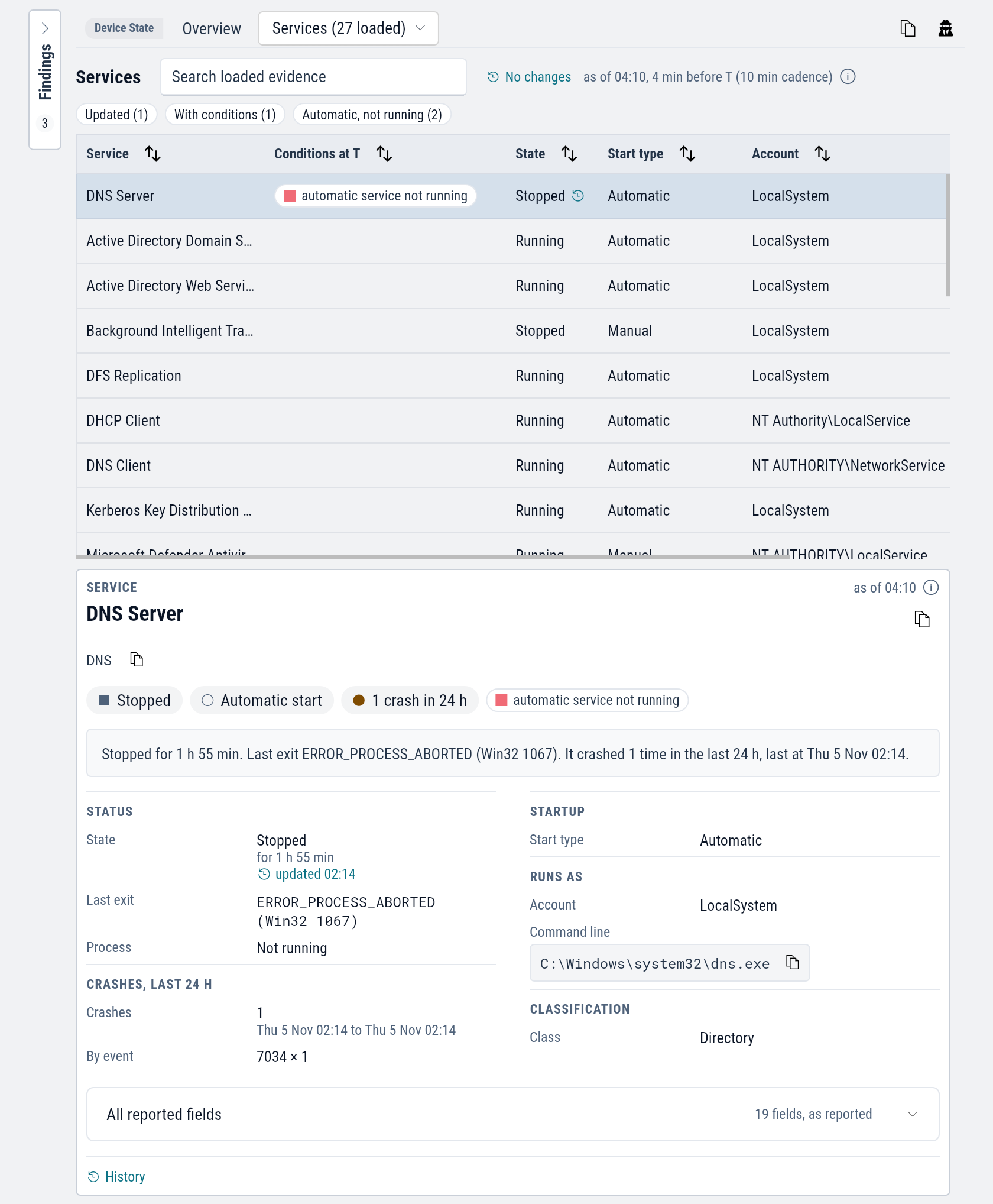
Automatic, not running shows services set to start automatically that are not running at T.
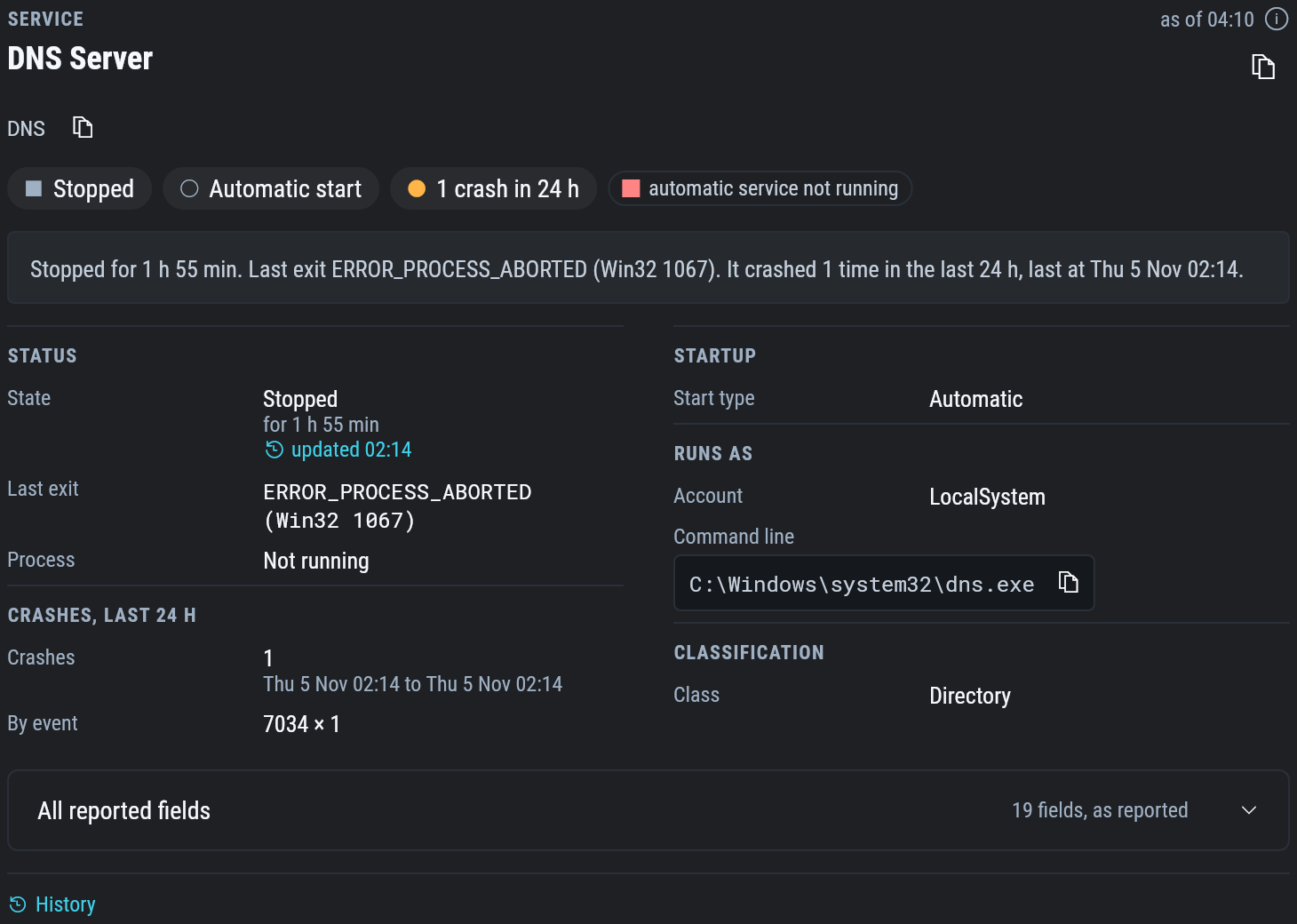
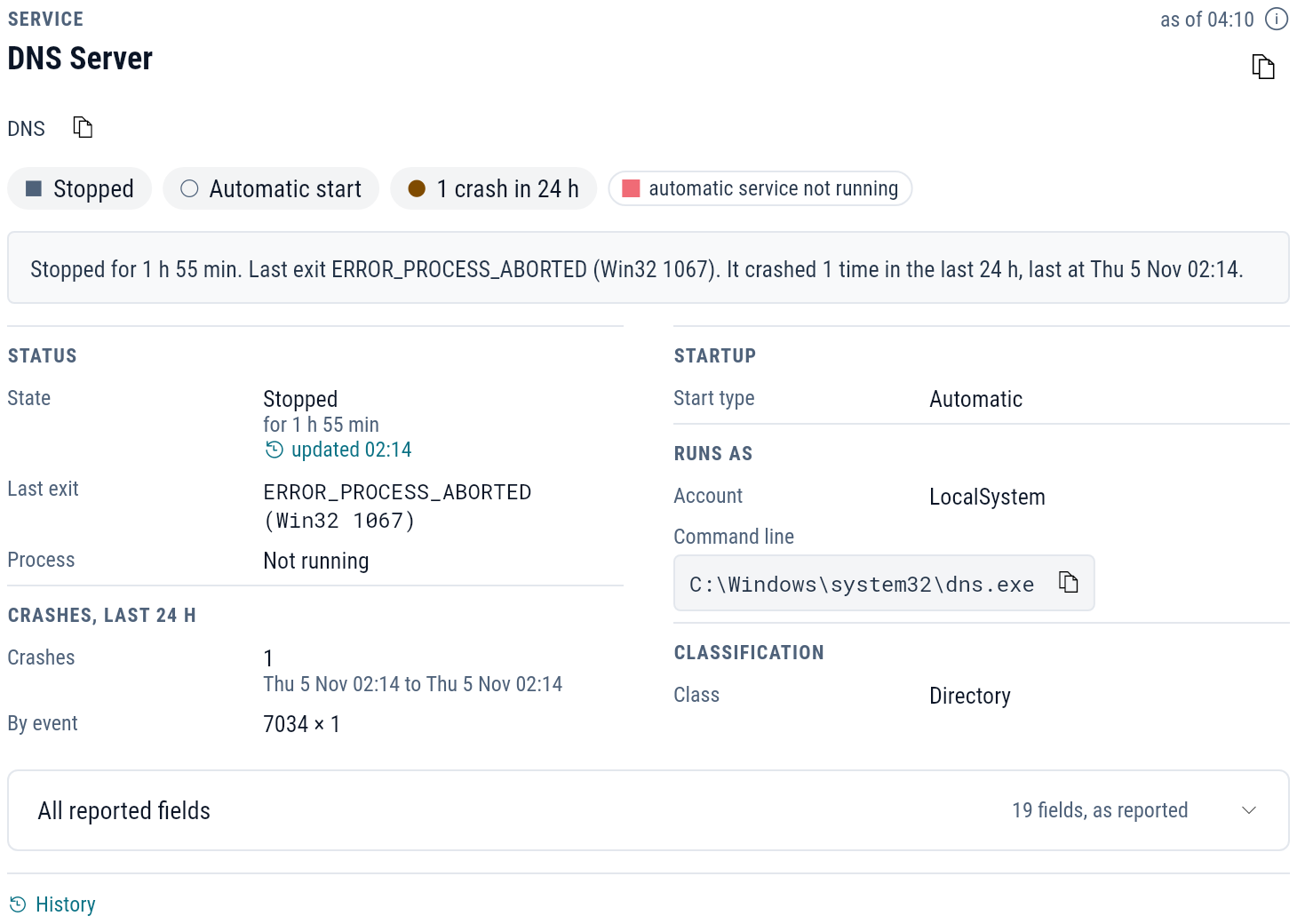
A service's details show how long it has been in its state, its last exit code in words, its crashes in the last 24 hours, the process that hosts it, and whether it has triggers.
Software
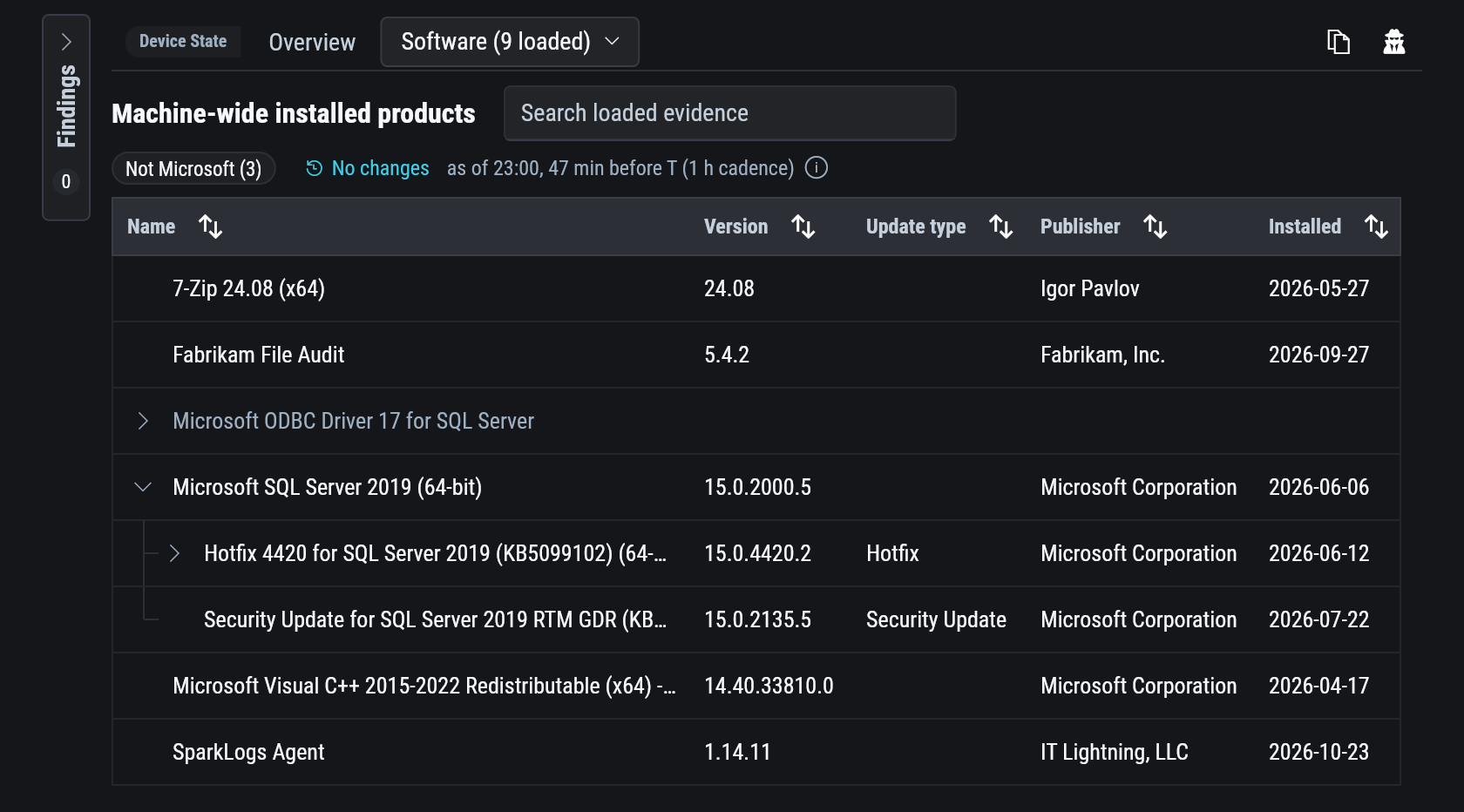
The programs installed for all users, with version, publisher and install date. Programs installed for one user only are not listed.
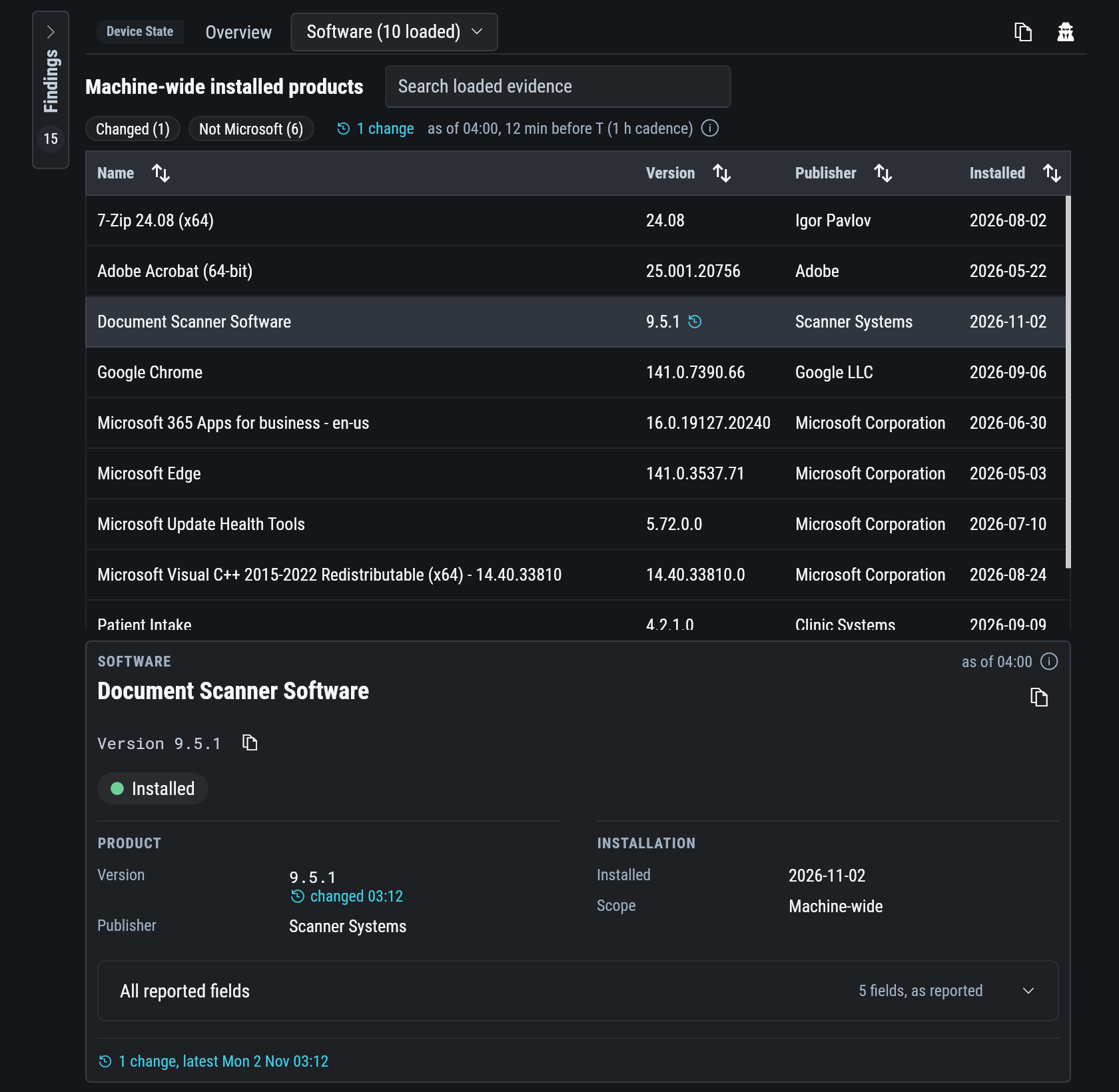
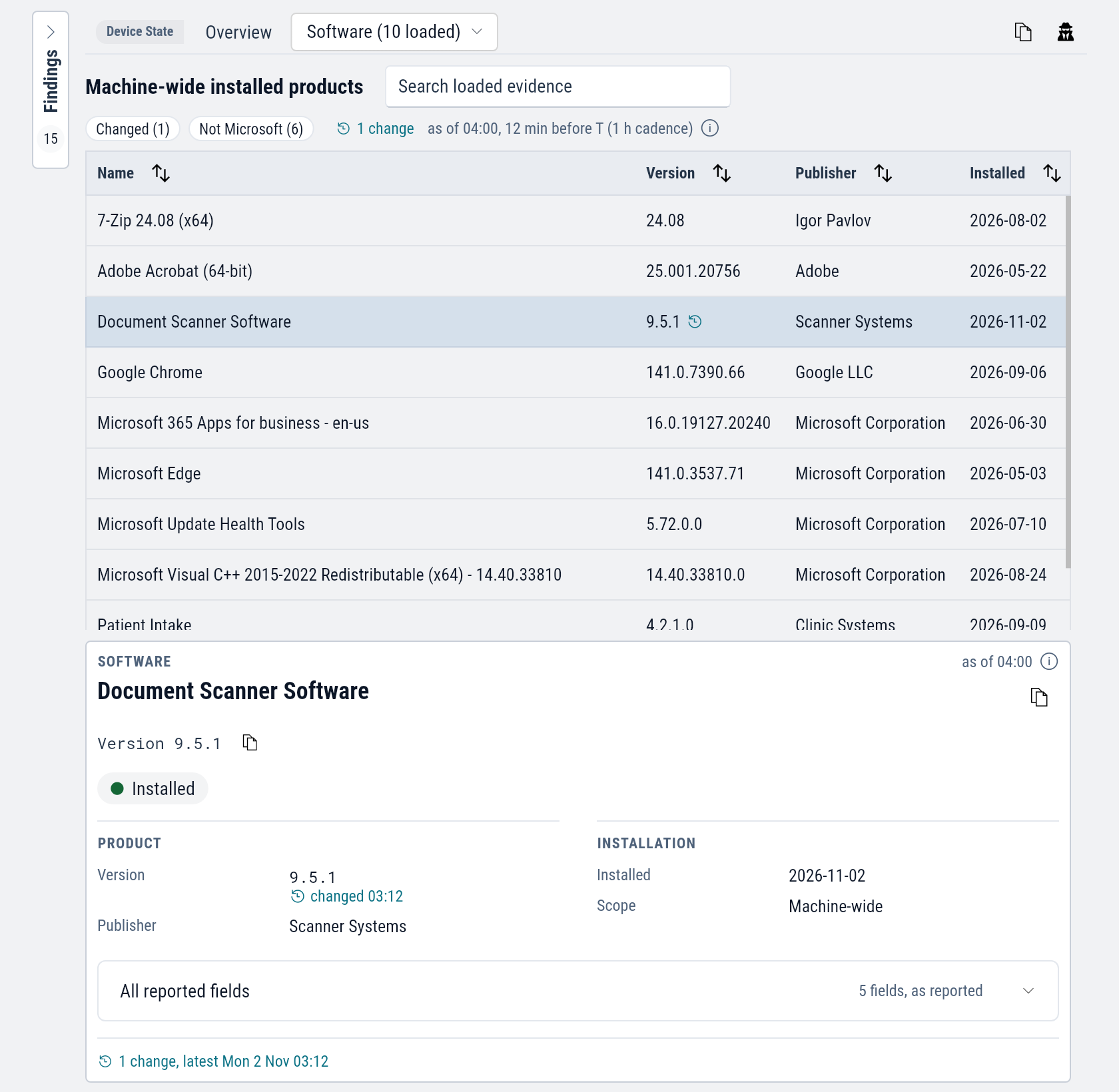
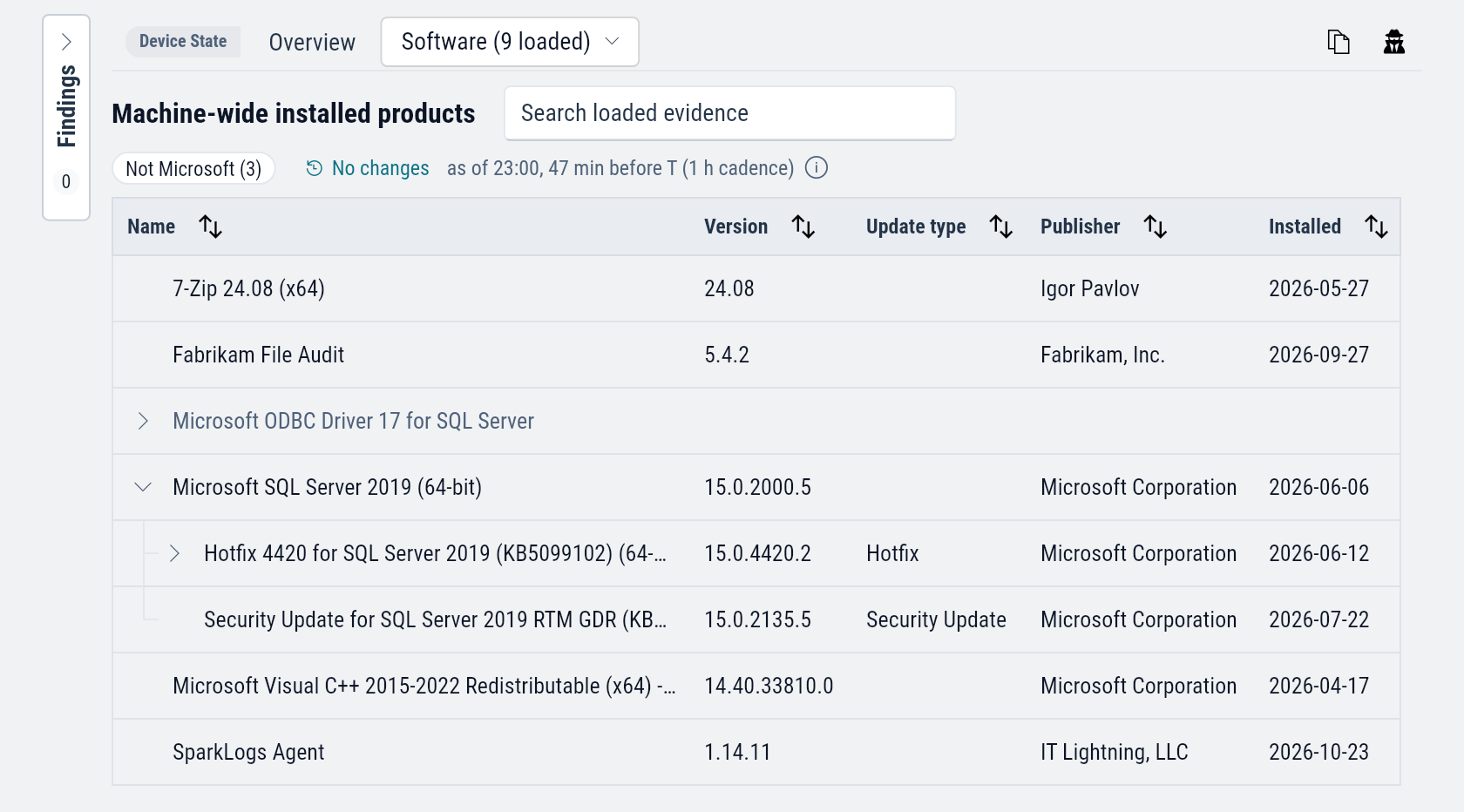
Updates are folded under the product they belong to, each with its update type. Not Microsoft hides Microsoft's products.
Drivers
One row per driver: the drivers Windows has loaded, and the driver packages installed for devices.
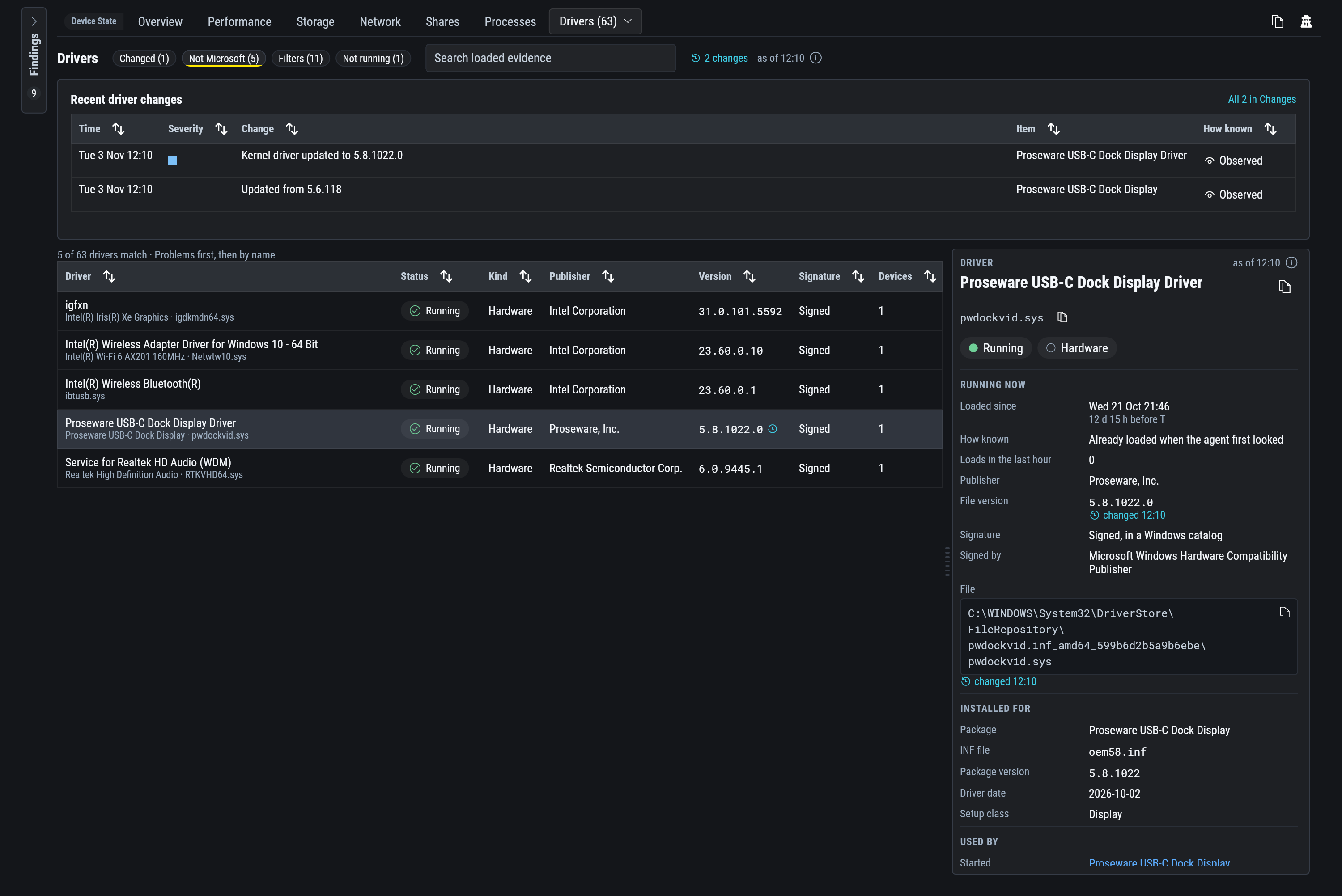
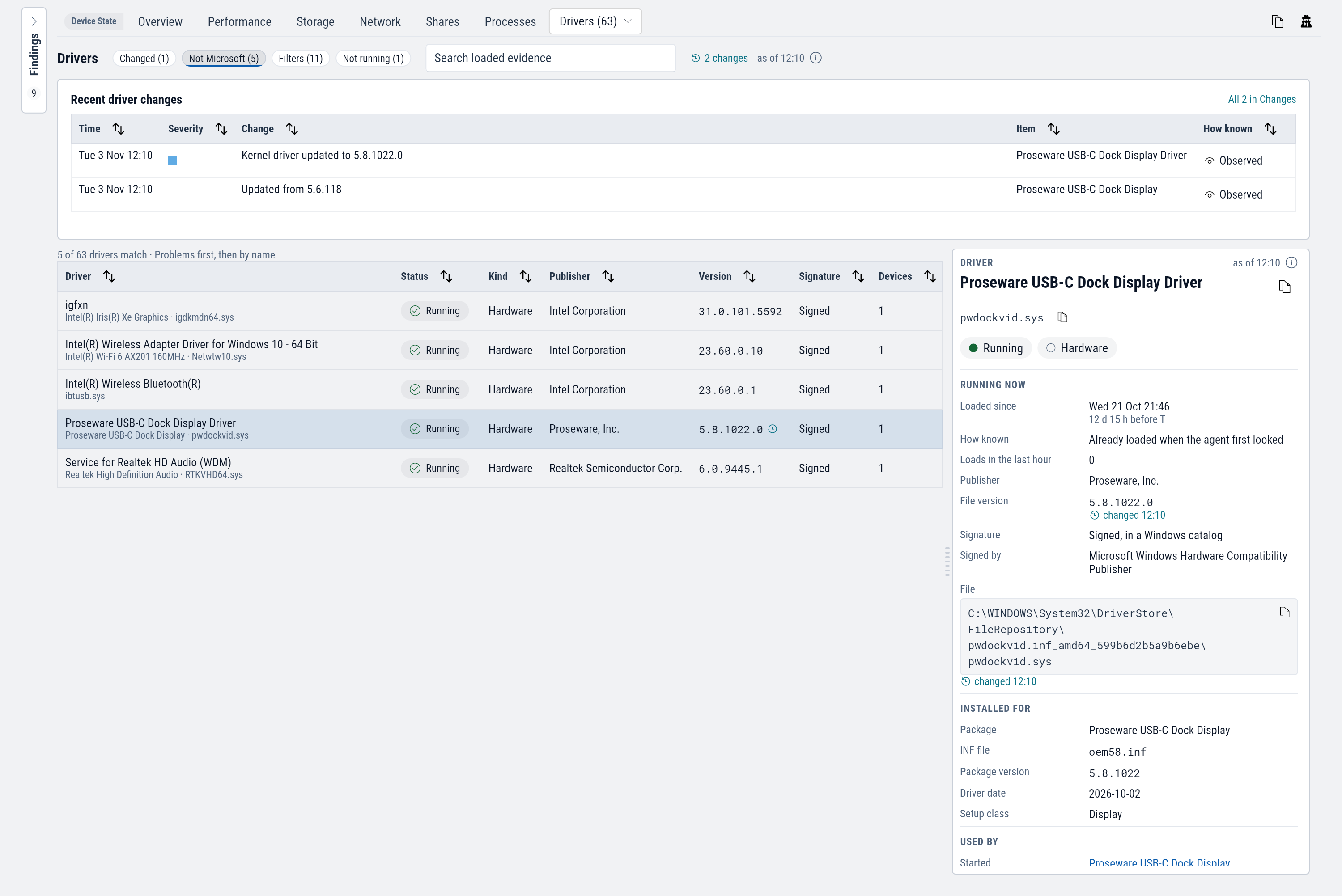
| Column | Shows |
|---|---|
| Status | Running, Installed, or Failed to start with the reason. |
| Kind | Hardware, software, or a file-system filter with its class: anti-virus, backup, encryption. |
| Signature | Signed, Not signed, Untrusted or Test signed. |
| Devices | How many connected devices use it. |
The tab opens on drivers that are not Microsoft's. Recent driver changes at the top lists drivers installed, updated, loaded or unloaded since the start of the window.
A driver's details show when it loaded, its version, who signed it, its file path, the package it came from, and the devices that use it. A driver that loads and unloads repeatedly opens a condition, which appears on its row.
Devices
The Plug and Play devices present, as Device Manager lists them, grouped by type or by what each is connected to.
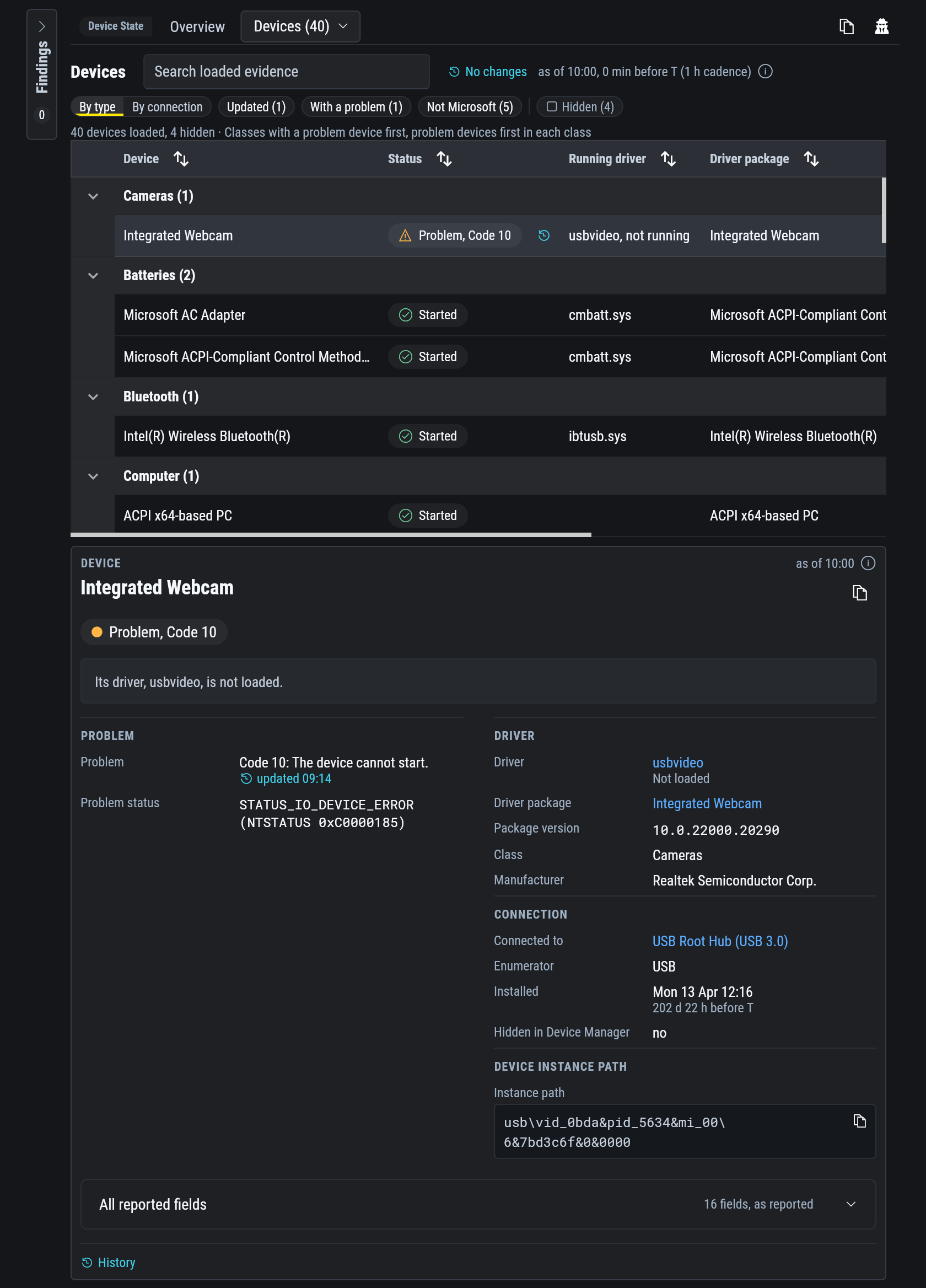
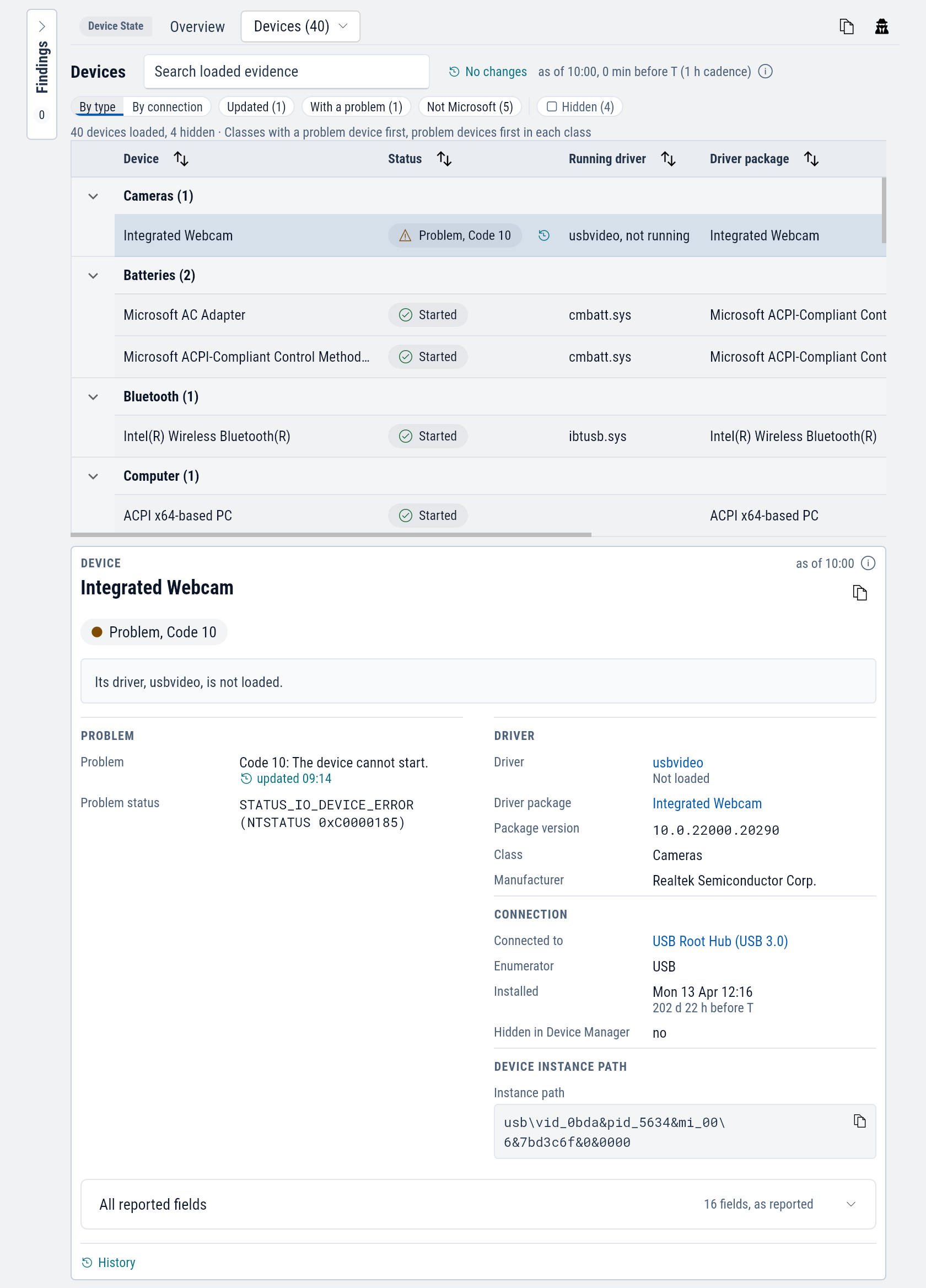
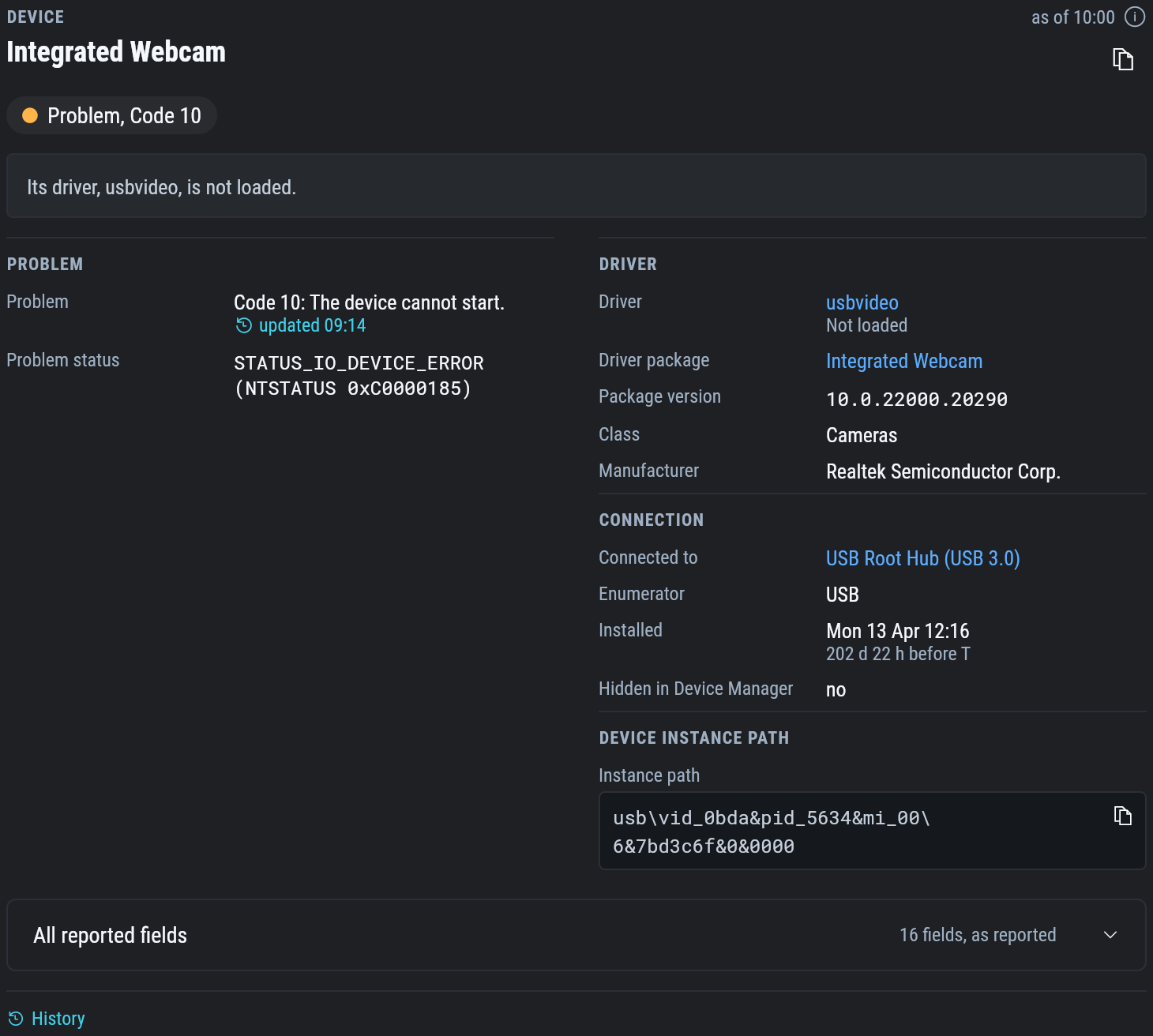
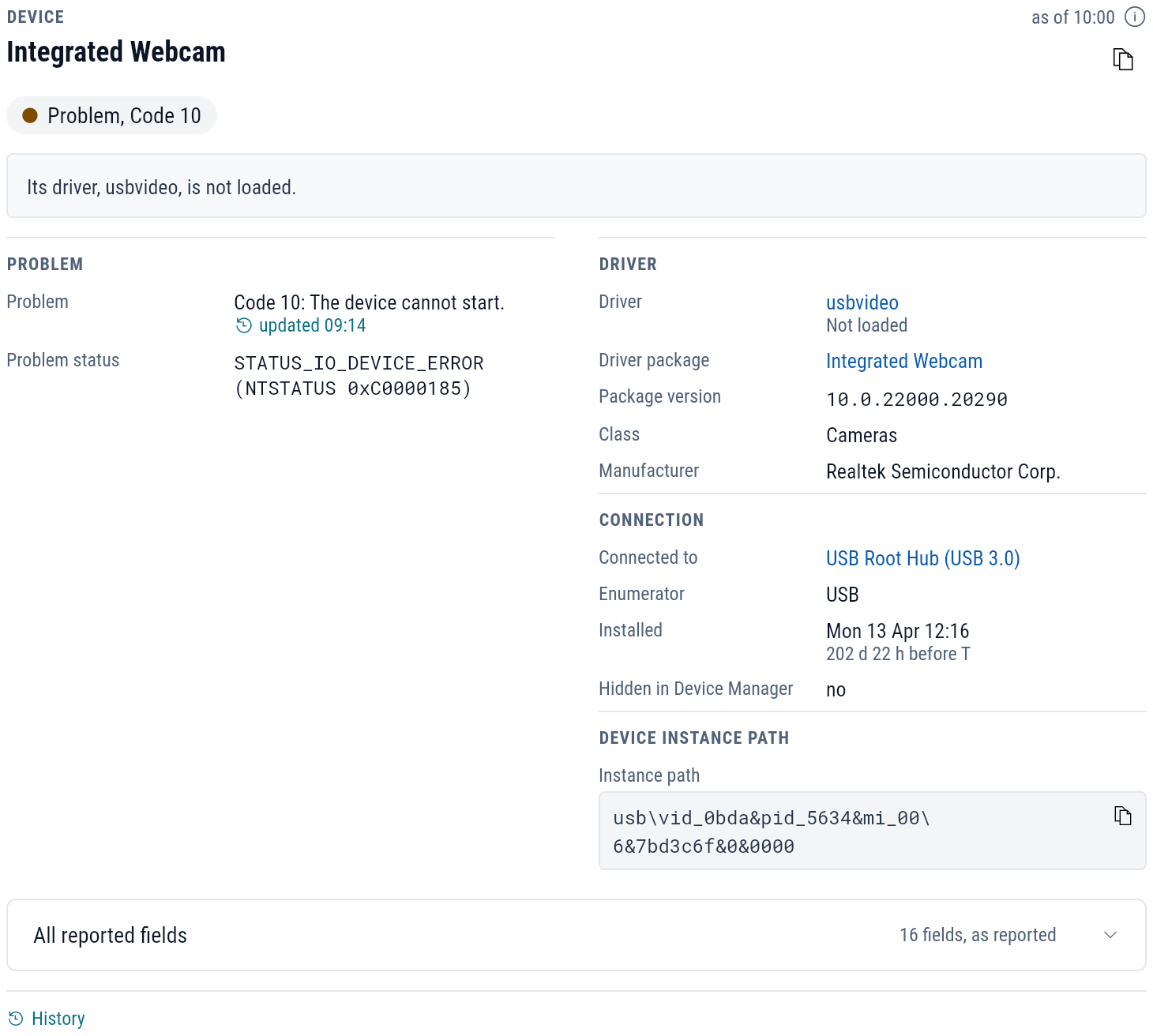
A device with a problem shows its Device Manager code in words, such as "Code 10: The device cannot start.", and the driver that serves it, linked to the Drivers tab. With a problem and Disabled filter the list. Devices that Device Manager hides by default stay hidden until you turn on Hidden.
Shares
The folders and printers the device shares on the network.
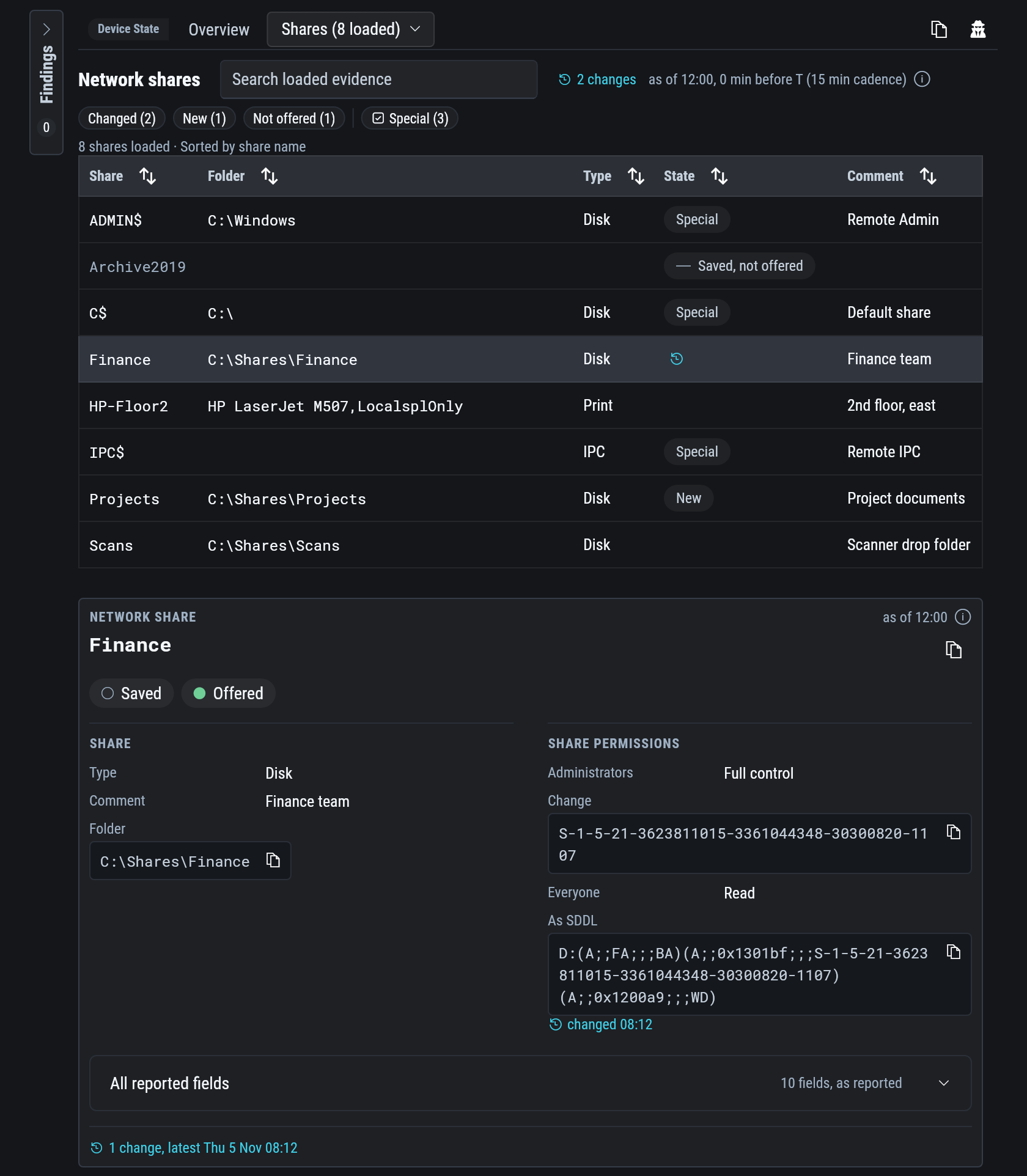
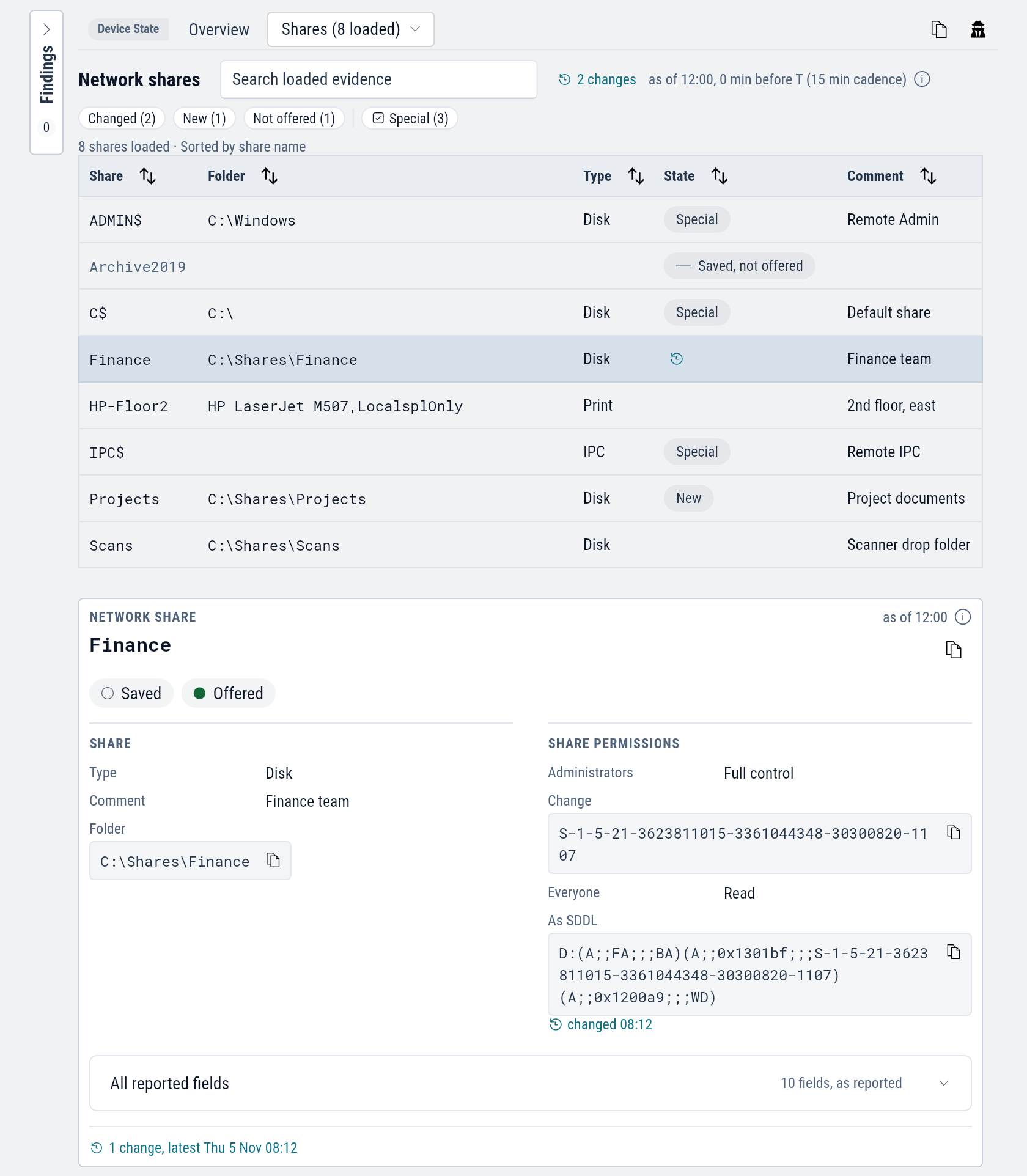
A share's details list its share permissions: each account and whether it has full control, change or read access.
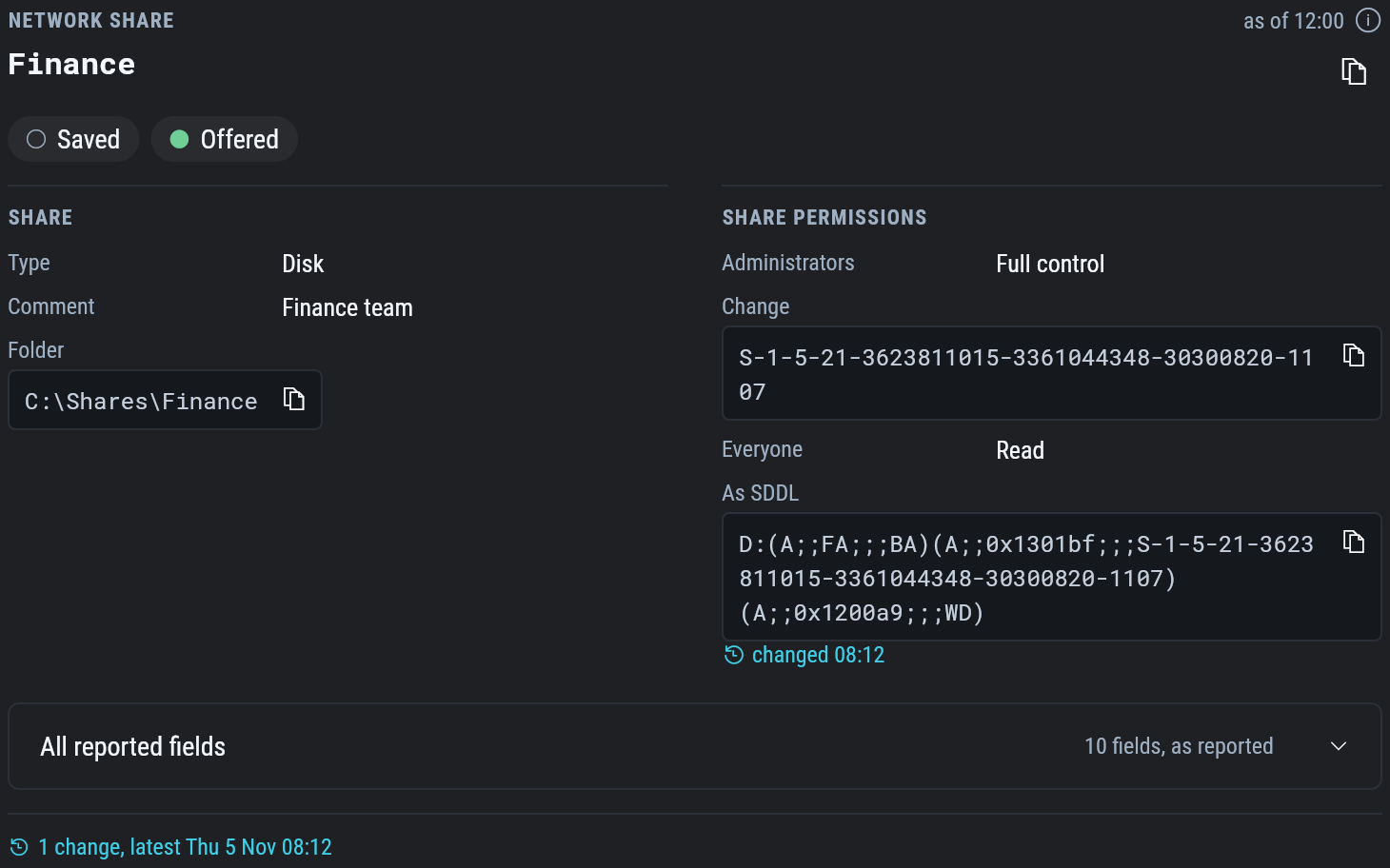
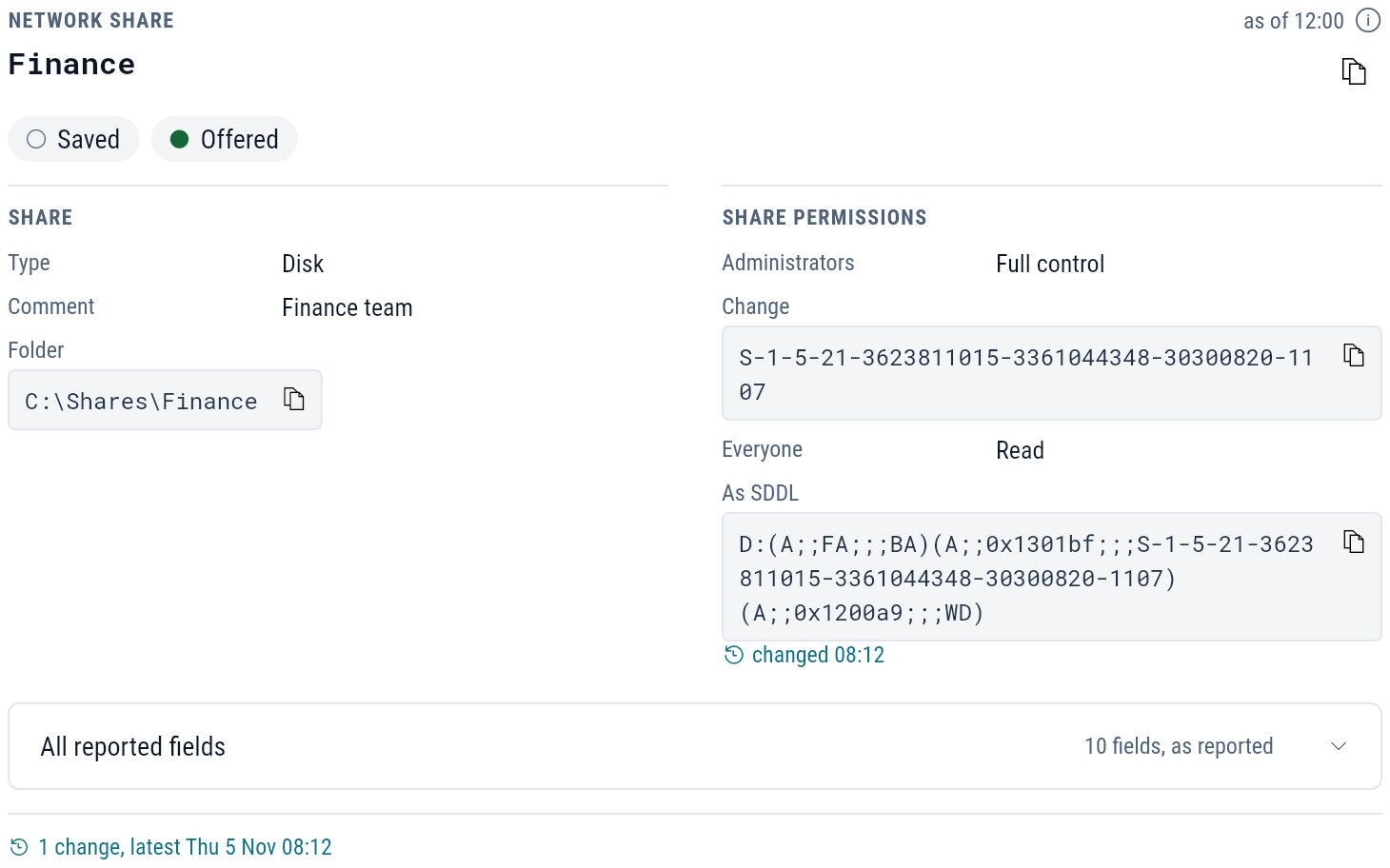
New marks a share added in the window.
Saved, not offered marks a share that is configured but that Windows is not offering now, and Not offered filters to those.
The shares Windows creates itself, such as C$ and ADMIN$, are marked Special.
Example: was the driver there before the crashes
Three laptops at Summit Accounting began blue-screening on Tuesday afternoon.
Open lt-021 and select the Drivers tab.
Recent driver changes lists two rows on Tuesday at 12:10: the Proseware USB-C Dock Display package updated from 5.6.118, and its kernel driver updated to 5.8.1022.0.
Select the driver. Its details show file version 5.8.1022.0, signed, with the file path and the dock it serves.
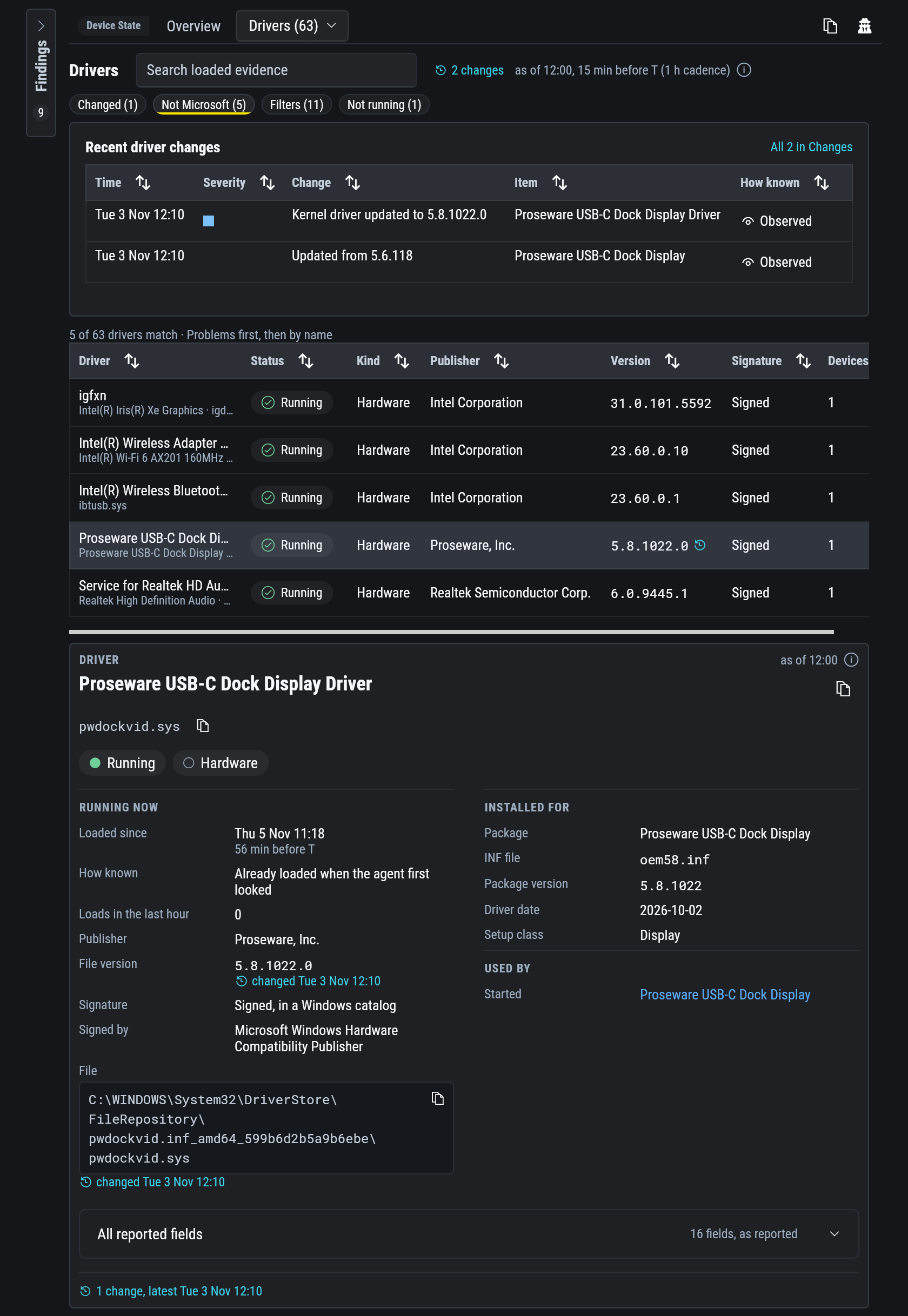
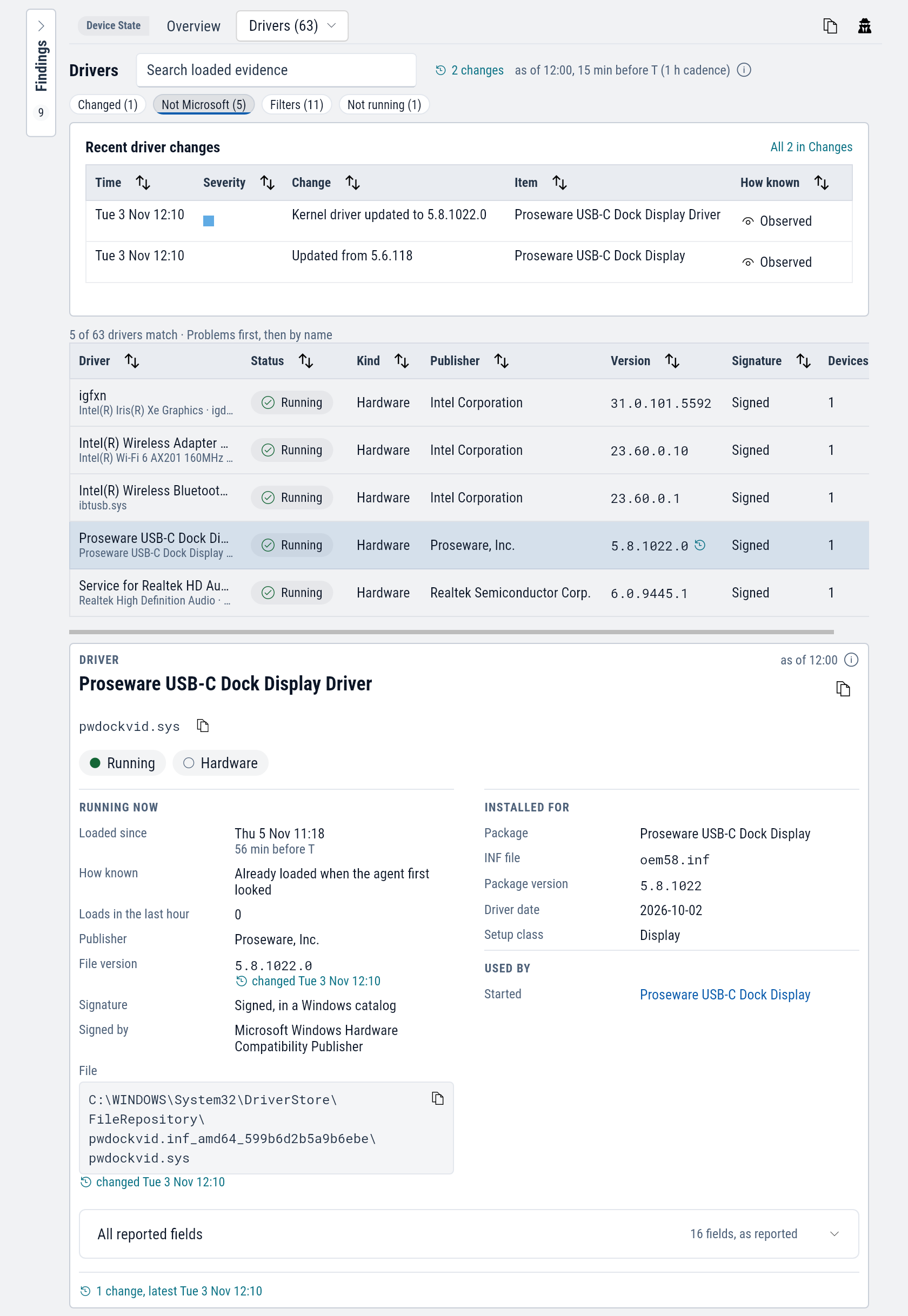
Move T to Tuesday morning and the same row shows 5.6.118.
For the crashes themselves, see the Crashes example.